

ISO/TS 13399-70:2016
(Main)Cutting tool data representation and exchange — Part 70: Graphical data layout — Layer setting for tool layout
General Information
- Abstract
ISO/TS 13399-70:2016 is intended to be used for the design of tool layouts for the simulation and the documentation of cutting tool components and cutting tool assemblies. It can be used in connection and correlation with other parts of ISO/TS 13399. The main purpose of this layer structure is the graphical layout of cutting tool components and cutting tool assemblies to be used within tool pre-setting, NC programming and the simulation of processes, as well as for the design of the machining equipment layout. The common concept of the BMG (building model generation) layer structure has been extended with more layer definitions for universal use. ISO/TS 13399-70:2016 is applicable for a new layout; old, existing data files are not updated to this level. The use of ISO/TS 13399-70:2016 in terms of change management of existing cutting tool layout is at the manufacturer's discretion. The extent of the dimensioning is limited to the number of dimensions that are also populated within manufacturer's or distributer's catalogues. The manufacturer determines the level of details and is understood as tool specific. As the 3D-simulation systems proceed with stock removal, it is differentiated between cutting and non-cutting tool components. Also, the data concept includes the rules of zero points and mounting points for non-rotating tools (lathe tools).
- Status
- Published
- Publication Date
- 10-Jul-2016
- Technical Committee
- ISO/TC 29 - Small tools
- Drafting Committee
- ISO/TC 29 - Small tools
- Current Stage
- 9060 - Close of review
- Completion Date
- 02-Dec-2029
Buy Documents

ISO/TS 13399-70:2016 - Cutting tool data representation and exchange

ISO/TS 13399-70:2016 - Cutting tool data representation and exchange — Part 70: Graphical data layout — Layer setting for tool layout/11/2016

ISO/TS 13399-70:2016 - Représentation et échange des données relatives aux outils coupants
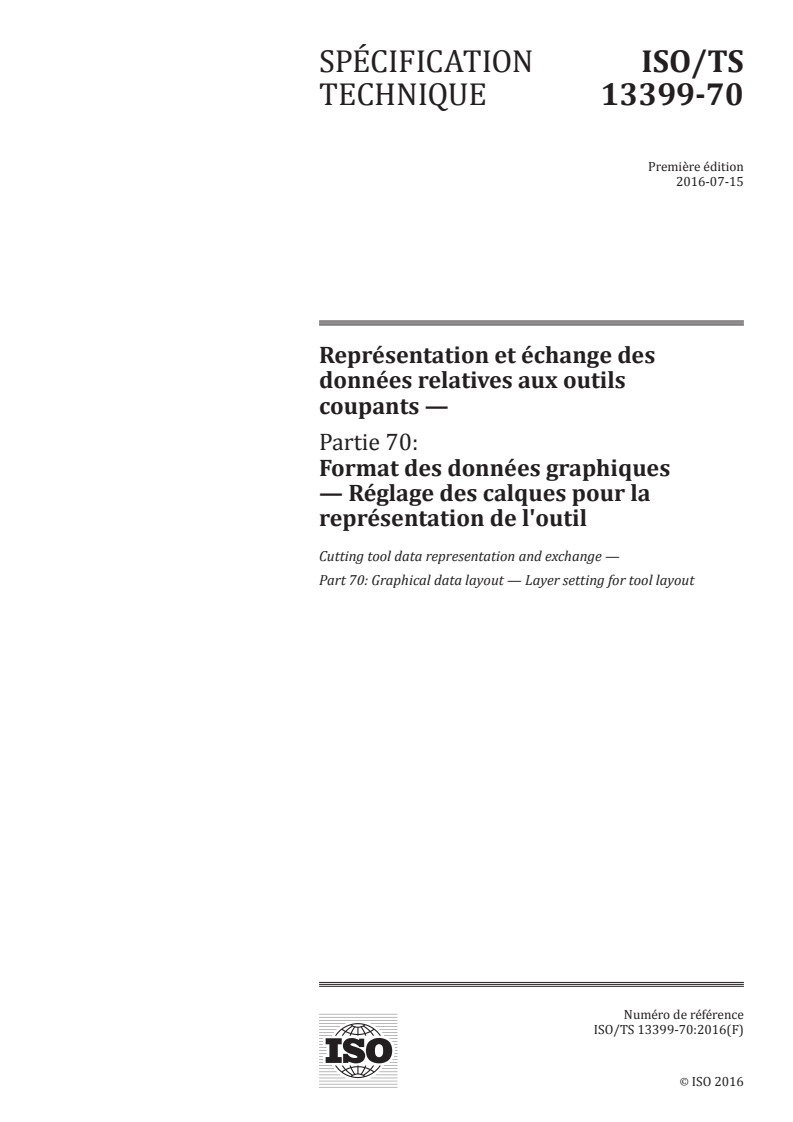

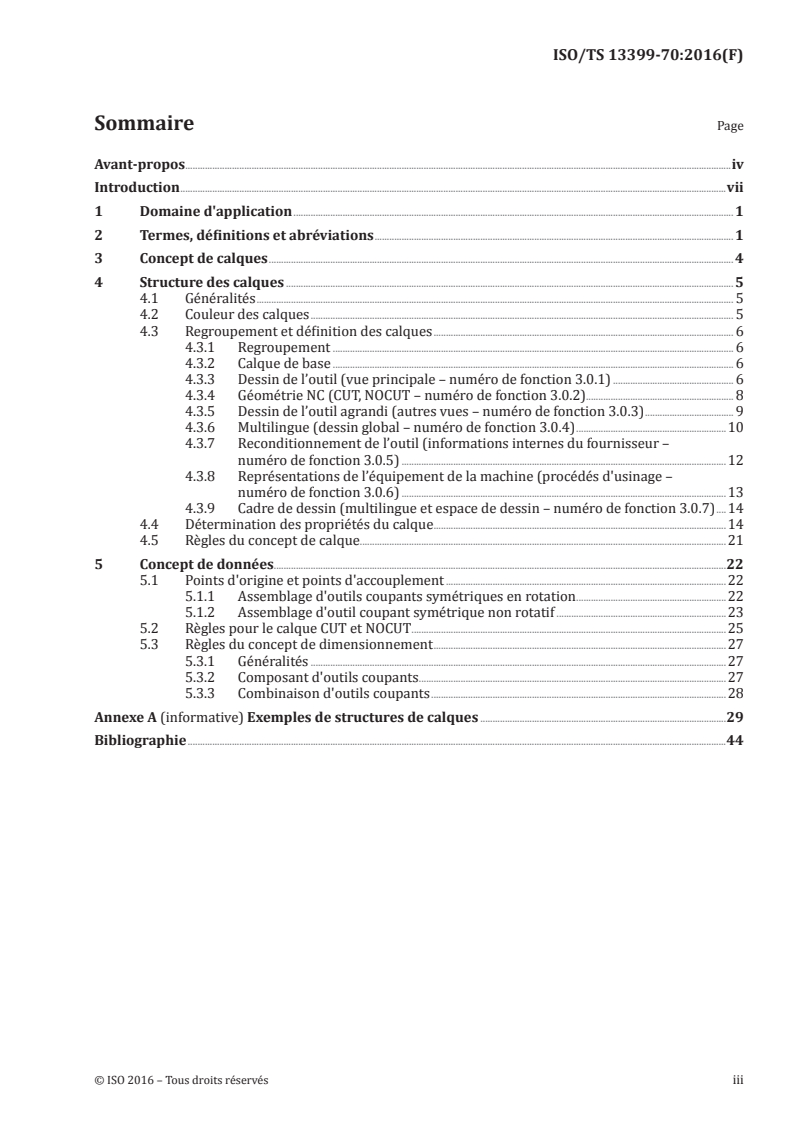
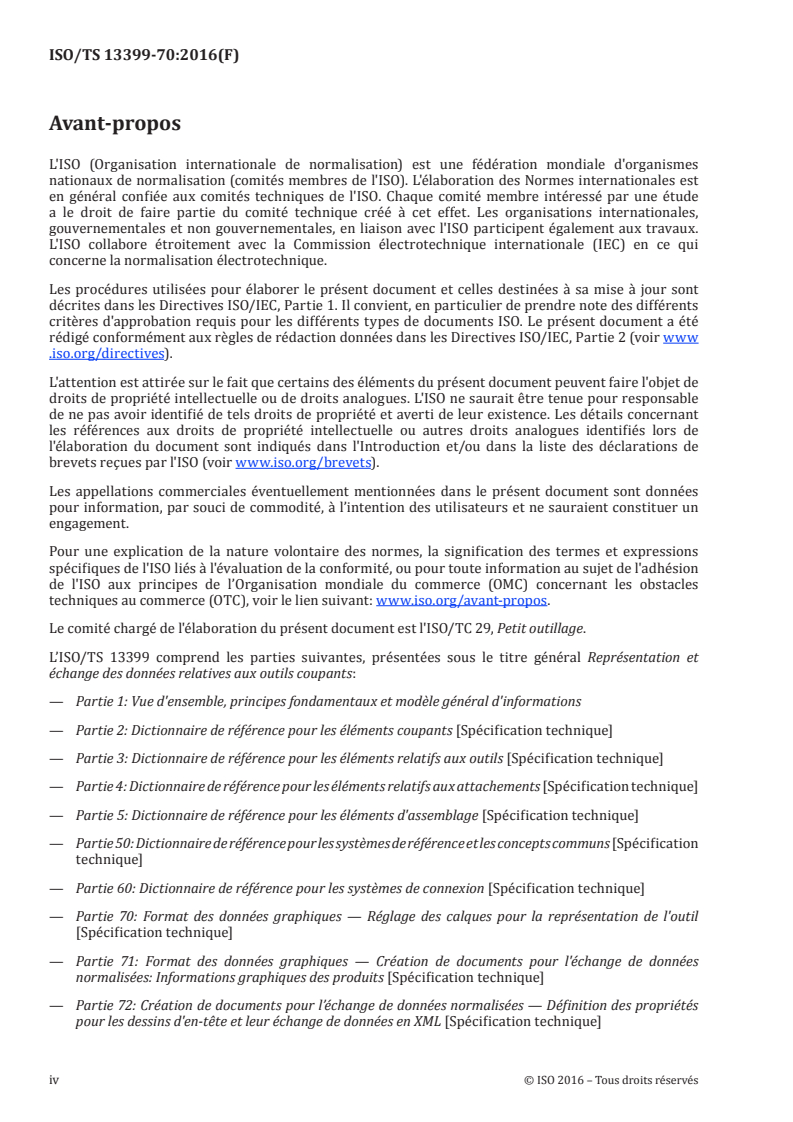
ISO/TS 13399-70:2016 - Représentation et échange des données relatives aux outils coupants — Partie 70: Format des données graphiques — Réglage des calques pour la représentation de l'outil/23/2018
Overview - ISO/TS 13399-70:2016 (Cutting tool data, graphical layer settings)
ISO/TS 13399-70:2016 specifies a standardized graphical data layout and layer setting for cutting tool layouts used in CAD/CAM environments. Part of the ISO/TS 13399 series on cutting tool data representation and exchange, this technical specification defines a common layer structure (building on the BMG concept) to support tool pre-setting, NC programming, process simulation and machining equipment layout. It covers 2D/graphic layer definitions, colouring/grouping rules, and data concepts for origin/mounting points - including differentiation between cutting and non-cutting components.
Keywords: ISO/TS 13399-70:2016, cutting tool data, graphical data layout, layer setting, tool layout, CAD, NC programming, simulation.
Key topics and technical requirements
- Layer concept and structure
- Standard grouping and naming for layers (basic layer, tool drawing main view, NC-geometry CUT/NOCUT, extended views, multilingual layers, reconditioning, machine equipment layout, drawing frame).
- Rules for layer properties: colour indices, line types, font type/size and grouping.
- NC-Geometry and collision contours
- Separate layers for CUT (cutting geometry) and NOCUT (non-cutting/collision-relevant geometry) to support stock-removal simulation and collision checks.
- Dimensioning rules
- Dimensioning scope is limited to dimensions populated in manufacturer or distributor catalogues; manufacturers determine tool-specific detail level.
- Data concept
- Definition of origin points, zero points and mating/mounting points for both rotationally symmetric and non-rotationally symmetric (lathe) tools.
- Compatibility and change management
- Intended for new layouts; existing data files are not automatically upgraded. Manufacturers decide on applying the spec to legacy data.
Practical applications and users
- Manufacturing engineers and CAM programmers use the standard to ensure consistent tool graphics for NC programming, collision simulation and tool pre-setting systems.
- CAD/CAM tool vendors and software developers implement the layer structure to enable standardized data exchange (DXF and other CAx formats).
- Tool designers, tool presetting technicians and machine tool integrators use the specification for reliable machining equipment layout and process simulation.
- Tool manufacturers and distributors apply the dimensioning and layer rules when creating catalogs and graphical product information.
Related standards
- ISO/TS 13399 series (Parts 1, 2, 3, 50, 71, etc.) - reference dictionaries, 3D model creation and graphical product information.
- DXF and ISO drawing standards referenced for colour indices, line types and dimensioning (e.g., ISO 128, ISO 6428).
ISO/TS 13399-70:2016 promotes interoperable, simulation-ready tool graphics across CAD/CAM ecosystems - improving NC-program reliability, collision detection and consistent tool documentation.
Buy Documents
ISO/TS 13399-70:2016 - Cutting tool data representation and exchange
ISO/TS 13399-70:2016 - Cutting tool data representation and exchange — Part 70: Graphical data layout — Layer setting for tool layout/11/2016
ISO/TS 13399-70:2016 - Représentation et échange des données relatives aux outils coupants
ISO/TS 13399-70:2016 - Représentation et échange des données relatives aux outils coupants — Partie 70: Format des données graphiques — Réglage des calques pour la représentation de l'outil/23/2018
Get Certified
Connect with accredited certification bodies for this standard

BSI Group
BSI (British Standards Institution) is the business standards company that helps organizations make excellence a habit.

DVS-ZERT GmbH
German welding certification society.
CARES (UK Certification Authority for Reinforcing Steels)
UK certification for reinforcing steels and construction.
Sponsored listings
Frequently Asked Questions
ISO/TS 13399-70:2016 is a technical specification published by the International Organization for Standardization (ISO). Its full title is "Cutting tool data representation and exchange — Part 70: Graphical data layout — Layer setting for tool layout". This standard covers: ISO/TS 13399-70:2016 is intended to be used for the design of tool layouts for the simulation and the documentation of cutting tool components and cutting tool assemblies. It can be used in connection and correlation with other parts of ISO/TS 13399. The main purpose of this layer structure is the graphical layout of cutting tool components and cutting tool assemblies to be used within tool pre-setting, NC programming and the simulation of processes, as well as for the design of the machining equipment layout. The common concept of the BMG (building model generation) layer structure has been extended with more layer definitions for universal use. ISO/TS 13399-70:2016 is applicable for a new layout; old, existing data files are not updated to this level. The use of ISO/TS 13399-70:2016 in terms of change management of existing cutting tool layout is at the manufacturer's discretion. The extent of the dimensioning is limited to the number of dimensions that are also populated within manufacturer's or distributer's catalogues. The manufacturer determines the level of details and is understood as tool specific. As the 3D-simulation systems proceed with stock removal, it is differentiated between cutting and non-cutting tool components. Also, the data concept includes the rules of zero points and mounting points for non-rotating tools (lathe tools).
ISO/TS 13399-70:2016 is intended to be used for the design of tool layouts for the simulation and the documentation of cutting tool components and cutting tool assemblies. It can be used in connection and correlation with other parts of ISO/TS 13399. The main purpose of this layer structure is the graphical layout of cutting tool components and cutting tool assemblies to be used within tool pre-setting, NC programming and the simulation of processes, as well as for the design of the machining equipment layout. The common concept of the BMG (building model generation) layer structure has been extended with more layer definitions for universal use. ISO/TS 13399-70:2016 is applicable for a new layout; old, existing data files are not updated to this level. The use of ISO/TS 13399-70:2016 in terms of change management of existing cutting tool layout is at the manufacturer's discretion. The extent of the dimensioning is limited to the number of dimensions that are also populated within manufacturer's or distributer's catalogues. The manufacturer determines the level of details and is understood as tool specific. As the 3D-simulation systems proceed with stock removal, it is differentiated between cutting and non-cutting tool components. Also, the data concept includes the rules of zero points and mounting points for non-rotating tools (lathe tools).
ISO/TS 13399-70:2016 is classified under the following ICS (International Classification for Standards) categories: 25.100.01 - Cutting tools in general; 35.240.50 - IT applications in industry. The ICS classification helps identify the subject area and facilitates finding related standards.
ISO/TS 13399-70:2016 is available in PDF format for immediate download after purchase. The document can be added to your cart and obtained through the secure checkout process. Digital delivery ensures instant access to the complete standard document.
Standards Content (Sample)
TECHNICAL ISO/TS
SPECIFICATION 13399-70
First edition
2016-07-15
Cutting tool data representation and
exchange —
Part 70:
Graphical data layout — Layer setting
for tool layout
Représentation et échange des données relatives aux outils
coupants —
Partie 70: Disposition des données graphiques — Disposition en
couches des paramètres des outils
Reference number
©
ISO 2016
© ISO 2016, Published in Switzerland
All rights reserved. Unless otherwise specified, no part of this publication may be reproduced or utilized otherwise in any form
or by any means, electronic or mechanical, including photocopying, or posting on the internet or an intranet, without prior
written permission. Permission can be requested from either ISO at the address below or ISO’s member body in the country of
the requester.
ISO copyright office
Ch. de Blandonnet 8 • CP 401
CH-1214 Vernier, Geneva, Switzerland
Tel. +41 22 749 01 11
Fax +41 22 749 09 47
copyright@iso.org
www.iso.org
ii © ISO 2016 – All rights reserved
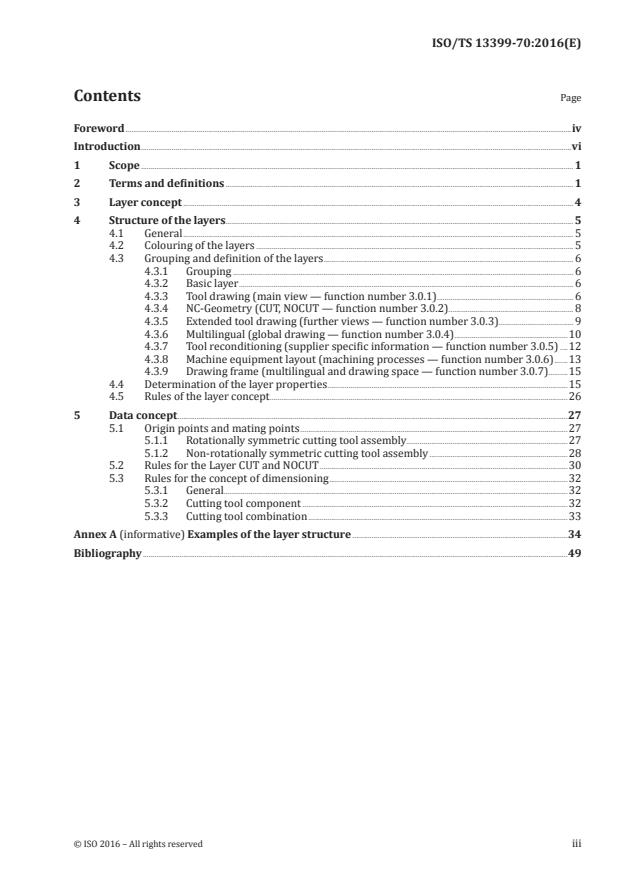
Contents Page
Foreword .iv
Introduction .vi
1 Scope . 1
2 Terms and definitions . 1
3 Layer concept . 4
4 Structure of the layers . 5
4.1 General . 5
4.2 Colouring of the layers . 5
4.3 Grouping and definition of the layers . 6
4.3.1 Grouping . 6
4.3.2 Basic layer . 6
4.3.3 Tool drawing (main view — function number 3.0.1) . 6
4.3.4 NC-Geometry (CUT, NOCUT — function number 3.0.2) . 8
4.3.5 Extended tool drawing (further views — function number 3.0.3). 9
4.3.6 Multilingual (global drawing — function number 3.0.4) .10
4.3.7 Tool reconditioning (supplier specific information — function number 3.0.5) .12
4.3.8 Machine equipment layout (machining processes — function number 3.0.6) .13
4.3.9 Drawing frame (multilingual and drawing space — function number 3.0.7) .15
4.4 Determination of the layer properties .15
4.5 Rules of the layer concept .26
5 Data concept .27
5.1 Origin points and mating points .27
5.1.1 Rotationally symmetric cutting tool assembly.27
5.1.2 Non-rotationally symmetric cutting tool assembly .28
5.2 Rules for the Layer CUT and NOCUT .30
5.3 Rules for the concept of dimensioning .32
5.3.1 General.32
5.3.2 Cutting tool component .32
5.3.3 Cutting tool combination .33
Annex A (informative) Examples of the layer structure .34
Bibliography .49
Foreword
ISO (the International Organization for Standardization) is a worldwide federation of national standards
bodies (ISO member bodies). The work of preparing International Standards is normally carried out
through ISO technical committees. Each member body interested in a subject for which a technical
committee has been established has the right to be represented on that committee. International
organizations, governmental and non-governmental, in liaison with ISO, also take part in the work.
ISO collaborates closely with the International Electrotechnical Commission (IEC) on all matters of
electrotechnical standardization.
The procedures used to develop this document and those intended for its further maintenance are
described in the ISO/IEC Directives, Part 1. In particular the different approval criteria needed for the
different types of ISO documents should be noted. This document was drafted in accordance with the
editorial rules of the ISO/IEC Directives, Part 2 (see www.iso.org/directives).
Attention is drawn to the possibility that some of the elements of this document may be the subject of
patent rights. ISO shall not be held responsible for identifying any or all such patent rights. Details of
any patent rights identified during the development of the document will be in the Introduction and/or
on the ISO list of patent declarations received (see www.iso.org/patents).
Any trade name used in this document is information given for the convenience of users and does not
constitute an endorsement.
For an explanation on the meaning of ISO specific terms and expressions related to conformity assessment,
as well as information about ISO’s adherence to the World Trade Organization (WTO) principles in the
Technical Barriers to Trade (TBT) see the following URL: www.iso.org/iso/foreword.html.
The committee responsible for this document is ISO/TC 29, Small tools.
ISO/TS 13399 consists of the following parts, under the general title Cutting tool data representation
and exchange:
— Part 1: Overview, fundamental principles and general information model
— Part 2: Reference dictionary for the cutting items [Technical Specification]
— Part 3: Reference dictionary for tool items [Technical Specification]
— Part 4: Reference dictionary for adaptive items [Technical Specification]
— Part 5: Reference dictionary for assembly items [Technical Specification]
— Part 50: Reference dictionary for reference systems and common concepts [Technical Specification]
— Part 60: Reference dictionary for connection systems [Technical Specification]
— Part 70: Graphical data layout — Layer settings for tool layout [Technical Specification]
— Part 71: Graphical data layout — Creation of documents for the standardized data exchange — Graphical
product information [Technical Specification]
— Part 72: Creation of documents for the standardized data exchange — Definition of properties for
drawing header and their XML-data exchange [Technical Specification]
— Part 150: Usage guidelines [Technical Specification]
— Part 201: Creation and exchange of 3D models — Regular inserts [Technical Specification]
— Part 202: Creation and exchange of 3D models — Irregular inserts [Technical Specification]
— Part 203: Creation and exchange of 3D models — Replaceable inserts for drilling [Technical Specification]
iv © ISO 2016 – All rights reserved
— Part 204: Creation and exchange of 3D models — Inserts for reaming [Technical Specification]
— Part 301: Concept for the design of 3D models based on properties according to ISO/TS 13399-3: Modelling
of thread-cutting taps, thread-forming taps and thread-cutting dies [Technical Specification]
— Part 302: Concept for the design of 3D models based on properties according to ISO/TS 13399-3:
Modelling of solid drills and countersinking tools [Technical Specification]
— Part 303: Creation and exchange of 3D models — Solid end mills [Technical Specification]
— Part 304: Creation and exchange of 3D models — Solid milling cutters with arbor hole [Technical
Specification]
— Part 307: Creation and exchange of 3D models — End mills for indexable inserts [Technical Specification]
— Part 308: Creation and exchange of 3D models — Milling cutters with arbor hole for indexable inserts
[Technical Specification]
— Part 309: Creation and exchange of 3D models — Tool holders for indexable inserts [Technical
Specification]
— Part 311: Creation and exchange of 3D models — Solid reamers [Technical Specification]
— Part 312: Creation and exchange of 3D models — Reamers for indexable inserts [Technical Specification]
— Part 401: Creation and exchange of 3D models — Converting, extending and reducing adaptive items
[Technical Specification]
— Part 403: Creation and exchange of 3D models — Modelling of driven tool units [Technical Specification]
— Part 405: Creation and exchange of 3D models — Collets [Technical Specification]
— Part 406: Creation and exchange of 3D models — Modelling of connection interface [Technical
Specification]
The following parts are under preparation:
— Part 80: Creation and exchange of 3D models — Overview and principles [Technical Specification]
— Part 100: Definitions, principles and methods for reference dictionaries [Technical Specification]
— Part 305: Creation and exchange of 3D models — Modular tooling systems with adjustable cartridges
for boring [Technical Specification]
— Part 310: Creation and exchange of 3D models — Turning tools with carbide tips [Technical Specification]
— Part 313: Creation and exchange of 3D models — Creation and exchange of 3D models — Burrs
[Technical Specification]
— Part 314: Creation and exchange of 3D models — Creation and exchange of 3D models — Cartridges for
indexable inserts [Technical Specification]
— Part 315: Creation and exchange of 3D models — Modelling of machine operated feed out tools [Technical
Specification]
Introduction
This part of ISO/TS 13399 defines the terms, properties and definitions of the layers of a computer-
aided design. The purpose of this part of ISO/TS 13399 is to provide a reference layer setting to support
the use of CAD-designs of tool graphics to be used for simulation and documentation of cutting tool
components and assemblies. The basis of this part of ISO/TS 13399 is the common layer structure
of the production facility graphic — better known as the BMG (building model generation) layer
structure. Mainly, this concept was used and will be used for the graphical layout of cutting tools and
their components within the 2D area. Examples of the layer structure are given in Annex A.
vi © ISO 2016 – All rights reserved
TECHNICAL SPECIFICATION ISO/TS 13399-70:2016(E)
Cutting tool data representation and exchange —
Part 70:
Graphical data layout — Layer setting for tool layout
1 Scope
This part of ISO/TS 13399 is intended to be used for the design of tool layouts for the simulation and the
documentation of cutting tool components and cutting tool assemblies. This part of ISO/TS 13399 can
be used in connection and correlation with other parts of ISO/TS 13399.
The main purpose of this layer structure is the graphical layout of cutting tool components and cutting
tool assemblies to be used within tool pre-setting, NC programming and the simulation of processes, as
well as for the design of the machining equipment layout.
The common concept of the BMG (building model generation) layer structure has been extended with
more layer definitions for universal use. This part of ISO/TS 13399 is applicable for a new layout; old,
existing data files are not updated to this level. The use of this part of ISO/TS 13399 in terms of change
management of existing cutting tool layout is at the manufacturer’s discretion.
The extent of the dimensioning is limited to the number of dimensions that are also populated within
manufacturer’s or distributer’s catalogues. The manufacturer determines the level of details and is
understood as tool specific.
As the 3D-simulation systems proceed with stock removal, it is differentiated between cutting and non-
cutting tool components. Also, the data concept includes the rules of zero points and mounting points
for non-rotating tools (lathe tools).
2 Terms and definitions
For the purposes of this document, the following terms and definitions apply.
2.1
assembled tool
AT
tool components (also single parts and spare parts) that are arranged to an assembled tool to be able to
run a computer-aided application
2.2
centre line
line that defines the axis of a rotational body or the symmetric axis of a feature
EXAMPLE Axis of a hole.
2.3
cladding contour
continuous line built from single lines which describes the outer contour of a complete tool or tool
component that is relevant for collision purposes
2.4
colour index DXF
numerical value of a colour within the application of data transmission under the drawing exchange
format DXF
Note 1 to entry: All CAx-systems interpret uniformly this colour index.
2.5
complete tool
illustration of single-tool components as in an assembled tool that is applicable to be used in simulation
processes, machining equipment layout and for the development of NC-programs
2.6
connection
transition from one tool component to the other seen in the respective
direction of the transition, while mounting both adjacent components
Note 1 to entry: Machine side means that the connection is seen in the direction of the machine spindle, workpiece
side calls a connection on the side of the component which points in the direction of the workpiece.
2.7
cutting contour
outer contour of an object that describes the part of a cutting tool that actively takes part in a cutting
process and if revolved around the axis of the tool will change to a three-dimensional object
Note 1 to entry: Anomaly exists on drilling tools, where the lateral area is to be shown up to the maximum usable
(drilling) depth, while if necessary, a cone exists, and this cone is non-cutting.
2.8
data exchange format
DXF
basic version of the graphical data exchange
2.9
dimensioning
representation of the spatial expansions of an object
Note 1 to entry: In this part of ISO/TS 13399, dimensioning is performed according to International Standards,
e.g. ISO 16792.
2.10
expansion of the main view
INFMAINVIEW
maximum needed space of the main view, which is determined by two of each horizontal and vertical
lines and its distances
Note 1 to entry: Either the two corner points in diagonal distance, lower left and upper right [(x , y )/(x , y )], or
1 1 2 2
the corresponding lines are indicated.
2.11
expansion of the total drawing
INFTOTAL
maximum needed space of the entire graphic images including any additional information but without
a drawing frame and its variable content, which is determined by two of each horizontal and vertical
lines and its distances
Note 1 to entry: Either the two corner points in diagonal distance left lower and right upper [(X , Y )/(X , Y ) or
1 1 2 2
the corresponding lines are indicated.
2.12
font size
standardized size of the letters within technical drawings
Note 1 to entry: The font size also controls the corresponding thickness of the lines and is defined in ISO 6428.
2.13
font type
definition of the style of lettering within the CAx-systems
2 © ISO 2016 – All rights reserved
2.14
inner contour
illustration of object elements placed inside the object body and are therefore not visible
Note 1 to entry: These elements are shown as invisible contours in a defined line style.
2.15
line type
characteristic of lines to differentiate the meaning within a technical drawing
Note 1 to entry: The definition and application of the line types is defined in ISO 128-20.
2.16
machining equipment layout
representation of the sequence of the work routines which are likely to produce a workpiece within a
process cycle
Note 1 to entry: The work routine can follow mechanically by means of chipping working steps in the mechanical
manufacture or by means of working steps without chipping in the assemblies.
Note 2 to entry: Machining equipment layouts are designed only by means of bilateral agreements between a
supplier and an end user.
2.17
main view
MV
view of an object showing the function and where the main dimensions (functional dimensions) are
attached to
2.18
non-cutting contour
outline contour of an object describing the area of a cutting tool, which does not take part in the active
cutting process and therefore can collide with the workpiece
Note 1 to entry: Anomaly on drilling tools — see 3.7.
2.19
outer contour
visible contour of an object
2.20
RECON
determination of layers solely used to illustrate contours and dimension to exchange information for
the recondition of cutting tools only
2.21
RGB-values
red, green and blue numerical values of a colour to illustrate this colour explicit within the different
CAx-systems
2.22
single part
SP
component of an assembled tool that is needed to show the function and the collision-relevant devices
2.23
SK-layer
determination of layers, which are intended to show only features that are used for
cutting tool components and will be blank if an assembled tool is shown
2.24
SKVIEW
determination of layers applied only if it is sufficient to show the functional application on the main view
Note 1 to entry: All of the necessary views, cross sections and details have to be filed within this layer grouping.
2.25
tool axis
rotational axis
imaginary line on rotational tools where the tool revolves to actively take part in a machining process
2.26
tool component
single cutting tool or tool holder (adaptor) that can form an assembled cutting tool, if mounted
2.27
tool contour
whole visible outline of a tool
3 Layer concept
The layer structure shall be designed in a way that all requirements of the layout of cutting tool
assemblies and their components shall be fulfilled. This is mainly feasible for the tool pre-setting to be
used as information for the tool procurement and tool management.
The interface contours of the cutting tool components, which become invisible in the assembly, shall be
filed at the SK-layers. Therefore, it is guaranteed that these contours are not shown on tool assemblies
because of the confusing views.
On the other hand, it is very reasonable to show coolant channels, for example, in the tool assembly, as
well as in the tool component. Therefore, Layer 3 shall be arranged to file the hidden contours contained
in tool assemblies and tool components.
The same principle shall apply to the dimensioning. Here, the dimensions shall be on Layer 2 if they are
visible in the assembled tool.
Layer 6, correspondingly layer SK6, shall be used for text which is independent from any language. This
information shall be filed here and shall not be translated into a foreign language (e.g. catalogue number
or ordering number of the tool component or of the assembled tool, and so on. Textual information
that has to be interpreted in another language for better understanding shall be filed in the respective
layers of the grouping “multilingual.”
If, beside the main view, other views, details, and cross sections, etc. are required to the designated and
functional use of graphic data the layer from the grouping, SKVIEW shall be used.
Parts of this layer concept do not meet the generally admitted exchange of graphical data, but are
limited to special areas, which shall be stipulated bilaterally between the tool manufacturer, or tool
supplier and the user. This applies to the area of sensitive data, e.g. the reconditioning (“RECON”) of
cutting tools, or also the provision of complete machine equipment layouts (Layer 100 to Layer 200).
DXF version 2000 with its code AC1015 shall be determined as the basic version for the graphical
data exchange. It shall not be allowed to transfer blocks (except frames, headers, and logos), external
references and OLE objects. The point of origin shall be located onto the main view, which has to be in
scale 1:1.
4 © ISO 2016 – All rights reserved
4 Structure of the layers
4.1 General
By the explicit structure of the layers, seven main functions can be defined and shall be as given in
Table 1.
Table 1 — Grouping of the layers with their main functions
Function
Description of the function Grouping of the function
number
3.0.1 Tool drawing Main view
3.0.2 NC-geometry CUT, NOCUT
3.0.3 Extended tool drawing Further views, cross sections, details, references
3.0.4 Multilingualism Global drawings with lingual information
3.0.5 Tool reconditioning Supplier internal information for reconditioning
3.0.6 Machine equipment layouts Machine spindle, workpiece, fixture, operation path
3.0.7 Drawing frame Drawing frame — multilingual and drawing space
4.2 Colouring of the layers
To make it possible to show the colours of the layers in this document, patterns are assigned to the
colours. The patterns are depicted in Table 2.
Table 2 — Allocation of the colours to RGB values and patterns
Colour RGB-value Colour Pattern
index DXF
R G B
Red 255 0 0 1
Yellow 255 255 0 2
Green 0 255 0 3
Cyan 0 255 255 4
Blue 0 0 255 5
Magenta 255 0 255 6
White 255 255 255 7
Grey 192 192 192 9
Orange 255 127 0 30
Olive 0 127 0 96
4.3 Grouping and definition of the layers
4.3.1 Grouping
The grouping of the layers is divided into three main groups:
— M = mandatory;
— C = conditional (depending on requirements);
— O = optional (upon request).
4.3.2 Basic layer
Each graphical file imported into another system via DXF interface shall have the basic layers according
to Table 3.
Table 3 — Basic layers
Main group Designation Layer name Layer number Layer descrip- Definition
tion
O Basic layer 0 0 System layer Layer 0 is optional. For
autocad system, layer 0 is
mandatory.
a
O Basic layer Defpoints 0 System layer Compulsory needed in the
CAD system; no further
relevance for the drawing
layout.
a
Layer is determined mainly in the 3D design mode and is not compulsory for DXF files, therefore, only optional.
4.3.3 Tool drawing (main view — function number 3.0.1)
Within the tool drawing, Layers 1 to 4, 6, 7, and 11 for assembled tools shall be as defined in Table 4 and
Layers SK1 to SK4, SK6, and SK7 for tool components shall be as defined in Table 5.
6 © ISO 2016 – All rights reserved
Table 4 — Layers for the main view for assembled cutting tools
Main Layer Layer
Designation Layer description Definition
group name number
M Main view of 1 1 Outer contours that describe the contour
assembled Contour of an assembled tool if tool components
tools and are mounted virtually.
visible tool
2 2 Dimensions that are shown if different
components
tool components are mounted virtually.
Attention: The dimensions may not be
drawn across the outer contour of Layer
Dimensioning
1 because of the possible collision of the
dimensions. There is also no associa-
tivity between the dimensions and the
related geometrical features.
3 3 Reference lines and inner contours
Reference line/
(invisible lines) that are displayed if an
inner contour
assembled tool is mounted virtually.
4 4 Centre lines of the single components,
which create the entire centre line of
the assembled tool, if mounted virtually.
This centre line always starts at the first
Centre line
visible contour edge of the tool compo-
nent and ends always at the last contour
edge. It is not allowed to extend the
centre line across the body contour.
6 6 Language-independent texts of the
single components, which contain
Text assembled information for the assembled tool, if
tools (language the components are mounted virtually.
independent) The positions of these texts should be
located as accurate as possible above or
below the tool component.
7 7 Hatching of cross sections or half cross
Hatching sections, which has to be illustrated at
the assembled tool, if mounted virtually.
11 11 Thin solid line for the illustration of
Additional line thread root, imaginary line, bending line
or similar drawing features.
Table 5 — Layers for the main view for tool components
Main Layer
Designation Layer number Layer description Definition
group name
M Main view of tool SK1 21 SK-contour Outer contours of tool com-
component —invis- ponents, which should not be
ible on assembled visible, if mounted virtually to
tool an assembled tool
SK2 22 SK-dimensioning Dimensioning; this should be
visible only within the illustra-
tion of the tool component and
not be of interest either for the
assembly or for consideration
of collision.
Attention: There will be no
associativity between the
dimensions and the related
geometrical features.
SK3 23 SK-reference line/ Reference lines and inner con-
inner contour tours (invisible lines) that are
not displayed if an assembled
tool is mounted virtually.
SK4 24 SK-centre line Centre lines of the single
components, which are visible
only if the single component is
illustrated.
Remark: The centre line should
start and end approximately
5 mm across the body contour
in relation to the component.
SK6 26 Textual part of a tool Language-independent texts of
component (lan- the single components, which
guage independent) should not be visible if compo-
nents are mounted virtually
and do not contain information
for the assembled tool. The
positions of these texts should
be located as accurately as pos-
sible above or below the tool
component, but also separated
from the texts contained in
Layer 6.
SK7 27 SK-Hatching Hatching of cross sections or
half cross sections, which does
not have to be illustrated at
the assembled tool, if mounted
virtually.
SK11 29 Additional line Thin solid line for the illustra-
tion of thread root, imaginary
line, bending line or similar
drawing features, which doe-
shave not have to be illustrated
at the assembled tool, if mount-
ed virtual.
4.3.4 NC-Geometry (CUT, NOCUT — function number 3.0.2)
Table 6 presents the information about the cutting and non-cutting part of an assembled tool of a tool
component. Because of the different requirements regarding the creation of this information which
8 © ISO 2016 – All rights reserved
apply to the different CAM systems, the contours should consist of single lines, which should form a
closed polyline — “contour of single lines in a closed polyline” with accuracy less than 0,001 mm.
These layers apply to tools with the following characteristics:
— Cutting and non-cutting tools;
— Rotating tools and stationary tools.
Table 6 — Layer for NC-geometry
Main Designation Layer Layer Layer descrip- Definition
group name number tion
C NC-contour of the tool CUT 15 Cutting Outer contour that defines the cut-
for 3D simulation ting area of the tool component.
a) For rotating tool:
By revolving around the tool axis,
this contour becomes a 3D object
which is used such as for NC pro-
gramming.
The cutting area shall be created as a
polyline containing single lines only,
which shall be taken from the cutting
parts placed in the 3D coordinate
system but projected onto the XZ
plane defined in ISO/TS 13399-50.
This means that this contour created
at the workpiece by the cutting tool
shall be illustrated.
b) For stationary tool:
The cutting line shall be created as a
polyline containing single lines only,
which shall be taken from the cutting
area in the top view of the part.
NOCUT 16 Non-cutting Outer contour that defines the cut-
ting area of the tool component. By
revolving around the tool axis, this
contour becomes a 3D object which is
used such as for NC programming.
Important: The areas shall be cre-
ated as a polyline containing single
lines only. All contours being relevant
for collision shall be taken above the
rotating axis. The contour shall be in
accordance to all features located on
the periphery projected onto the XZ
plane defined in ISO/TS 13399-50.
4.3.5 Extended tool drawing (further views — function number 3.0.3)
Table 7 gives information about the extended tool drawing. This group of layer is applicable if it
is not sufficient to illustrate the function of the tool, the arrangement of the cutting items, collision
determining outer contours or other graphical features, which are important for the machining process
in the main view.
The application of this layer group is upon the discretion of the designer of the drawing. It shall not be
formally required and needs an agreement between the originator of the drawing and the user.
Table 7 — Layer for the extended tool drawing
Main Layer num- Layer descrip-
Designation Layer name Definition
group ber tion
C Additional views of SKVIEW1 31 SKVIEW-contour Outer contour for all addition-
the assembled tool al views (side view, top view,
or the tool compo- bottom view, cross section,
nent (without the ISO projection). The content
main view) of this layer is visible on both
the tool component and the
assembled tool.
SKVIEW2 32 SKVIEW-dimen- Dimensioning for all addition-
sioning al views (for description, see
SKVIEW1).
Attention: There is no associa-
tivity between the dimensions
and the related geometrical
features.
SKVIEW3 33 SKVIEW-reference Reference lines and inner
line/inner contour contours (invisible lines) for all
additional views (for descrip-
tion, see SKVIEW1).
SKVIEW4 34 SKVIEW-centre Centre lines for all additional
line views (for description, see
SKVIEW1).
NOTE See SK4 in Table 5.
SKVIEW6 36 SKVIEW-reference Language-independent texts
line/inner contour for all additional views (for
description, see SKVIEW1).
SKVIEW7 37 SKVIEW-centre Hatching of cross sections or
line half cross sections for all addi-
tional views (for description,
see SKVIEW1).
SKVIEW11 39 SKVIEW-addi- Thin solid line for the illustra-
tional line tion of thread root, imaginary
line, bending line or similar
drawing features (for descrip-
tion, see SKVIEW1).
4.3.6 Multilingual (global drawing — function number 3.0.4)
The multilingualism, according to Table 8, shall be necessary for all functional grouping where a layer
is defined with the layer number “x5x” or “x6x.”
This layer shall be defined as a two-digit number. It is denoted as 6-1 (six-one), for example. However,
some CAx systems cannot reproduce this differentiation.
10 © ISO 2016 – All rights reserved
Table 8 — Layer for multilingualism
Main Layer num-
Designation Layer name Layer description Definition
group ber
O 51 51 Texts within drawing Information in the
frame text fields within the
drawing frame given
(English)
in the particular
52 52 Texts within drawing
language
frame
Labelling of the text
(French)
fields within the draw-
ing frame (including
53 53 Texts within drawing
multilingualism)
frame
(German)
54 to 59 54 to 59 Texts within drawing
frame
(additional languages)
C 61 61 Texts for assembled tool Texts of the tool
component, which
(English)
contains information
62 62 Texts for assembled tool
for the assembled
Labelling of assem-
tools, given in the
bled tools
(French)
particular language,
(including multilin-
63 63 Texts for assembled tool
if mounted virtually.
gualism)
(German)
64 to 69 64 to 69 Texts for assembled tool
(additional languages)
Labelling of tool com- SK61 71 Texts for assembled tool Texts of the tool com-
ponents ponent given in the
(English)
particular language,
(including multilin-
SK62 72 Texts for assembled tool
which is not of inter-
gualism)
est for the assembled
(French)
tool, if mounted
SK63 73 Texts for assembled tool
virtually.
(German)
SK64 to SK69 74 to 79 Texts for assembled tool
(additional languages)
C Labelling of additional SKVIEW61 81 SKVIEW-LABEL (English) Text of all additional
views views given in the
SKVIEW62 82 SKVIEW-LABEL (French)
particular language
(including multilin-
SKVIEW63 83 SKVIEW-LABEL (German)
gualism)
SKVIEW64 84 to 89 SKVIEW-LABEL (addi-
-SKVIEW69 tional languages)
O RECON61 111 RECON-LABEL (English) Texts given in the
particular language,
RECON62 112 RECON-LABEL (French)
which contain infor-
Labelling of recon-
113 RECON-LABEL
mation for the recon-
ditioning (including
RECON63
ditioning process
multilingualism) (German)
RECON64 to 114 to 119 RECON-LABEL (addition-
RECON69 al languages)
Table 8 (continued)
Main Layer num-
Designation Layer name Layer description Definition
group ber
C Labelling of additional INFTEXT61 121 INFTEXT Additional texts
texts for tool compo- in the particular
(English)
nents which do not language, which
INFTEXT62 122 INFTEXT
belong to geometry cannot be related to
(including multilin- any layer group, but
(French)
gualism) which are important
INFTEXT63 123 INFTEXT
for the use of assem-
bled tools or tool
(German)
components.
INFTEXT64 124 to 129 INFTEXT
to INF-
(additional languages)
TEXT69
4.3.7 Tool reconditioning (supplier specific information — function number 3.0.5)
Table 9 gives information for the tool reconditioning which is not part of a standardised graphical data
exchange. This information shall be communicated bilaterally between the manufacturer or supplier
and the user.
In this part of ISO/TS 13399, only the layers are defined and standardized for this kind of documentation,
in which the suitable information should be filed. The level of detail of this graphical information shall
be also negotiated bilaterally between the involved parties.
This part of ISO/TS 13399 does not determine any entitlement of the user for the data exchange of this
kind of documentation.
12 © ISO 2016 – All rights reserved
Table 9 — Layer for tool reconditioning data
Main Layer Layer num-
Designation Layer description Definition
group name ber
O Tool reconditioning RECON1 101 RECON-contour Contour lines for all
of tool components additional views that are
necessary for the tool
reconditioning.
RECON2 102 RECON-dimensioning Dimensioning for all
additional views that is
necessary for the tool
reconditioning.
Attention: There is no
associativity between
the dimensions and the
related geometrical
features.
RECON3 103 RECON-reference line/ Reference lines and inner
inner contour contours (invisible lines)
for all additional views
that are necessary for
the tool reconditioning.
RECON4 104 RECON-centre line Centre lines for all ad-
ditional views that are
necessary for the tool
reconditioning.
Remark: See SK4 in
Table 5.
RECON6 106 RECON-label Language-independent
texts for all additional
(language independent)
views that are neces-
sary for the tool recon-
ditioning.
RECON7 107 RECON-hatching Hatchings for all addi-
tional views that are
necessary for the tool
reconditioning.
RECON11 109 RECON-additional line Thin solid line for the
illustration of thread
root, imaginary line,
bending line or similar
drawing features for all
additional views that will
be necessary for the tool
reconditioning.
4.3.8 Machine equipment layout (machining processes — function number 3.0.6)
Machine equipment layouts, according to Table 10, are required to be able to document complete
machining processes of a workpiece. This kind of the documentation is created predominantly by the
tool user because only he disposes of the knowledge of the required application data. Within the scope
of the standardization of the layers, this subclause is also important for the application of the layer
setting. Machine equipment layouts are created only in direct arrangement between the supplier and
the end user.
Table 10 — Layer for machine equipment layout
Main Layer Layer number
Designation Layer description Definition
group name
O Workpiece component INFWKP 133 Workpiece geom- Illustration, also in sections,
etry of the workpiece for tool
components and machine
equipment layouts to be
able to identify interfer-
ence contours during tool
development and the process
sequence.
O Machine equipment 100 100 Assembled tool Geometries from the Layers
layout 1 to 11 of the single tool com-
ponents and geometries from
the Layers SK1 to SK7 of the
connection in the direction
towards the machine tool
spindle of that tool compo-
nent nearest the machine tool
spindle.
110 110 Dimensioning Dimensions of the machine
equipment layout; if ap-
plicable, adaption of the
dimensions of the single tool
components from Layer 2.
No associativity between the
dimensions and the related
geometrical features and no
control characters.
120 120 Machine spindle Illustration of the machine
tool spindle and its elements
being relevant for collision.
130 130 Motion-sequence, Illustration of the motions of
operation chart the cutting tool (tool path)
and/or the motions of the
workpiece.
140 140 Lettering/text Language-independent and
language-dependent texts
of the machine equipment
layout; if applicable, adaption
of the relevant texts from the
lettering layers of the tool.
150 150 Clamping devices, Clamping devices and fix-
fixtures tures that are important for
the process flow in terms of
collision and simulation.
160 160 Inspection devices, Illustration of inspection
measuring parts devices that are applied
during the machining process
into the machine equipment
layout.
O Machine equipment 200 200 Other geometries E.g. disruption lines, frames
layout/work piece around texts, a. s. o
component
14 © ISO 2016 – All rights reserved
4.3.9 Drawing frame (multilingual and drawing space — function number 3.0.7)
Drawing frames shall be filed in its layout on different layers layout depending on the indicated
language, according to Table 11. On this occasion, the invariable text field names are also a component
of the respective drawing frame.
Table 11 — Layer for drawing frame
Main Layer num-
Layer
Designation Layer description Definition
ber
name
group
O Drawing frame and FRAME50 90 Drawing frame Graphical characteristic
area of geometry with all fields of the drawing frame with
company logo.
FRAME51 91 Fixed text field Names of the text fields
names (English) given in the designated
language.
FRAME52 92 Fixed text field
names (French)
WARNING: No text field
contents.
FRAME53 93 Fixed text field
names (German)
FRAME54 94 to 99 Fixed text field
to names (additional
FRAME59 languages)
INF- 131 Expansion of the Horizontal and vertical
MAIN-VIEW main view expansion of the content of
Layers 1 to 11 and SK1 to
SK11 (indicated are both
horizontal and vertical
lines with their maximum
elongation).
INFTOTAL 132 Expansion of the Horizontal and vertical
entire geometry expansion of the content of
and all of the addi- all graphics, including all
tional information of the additional infor-
mation, but excluding the
frame (indicated are both
horizontal and vertical
lines with their maximum
elongation).
NOTE If a drawing frame in another language is defined on a layer “FRAME5x,” the number “x” shall be used for all other
language-dependent layers for this defined language.
EXAMPLE Layer FRAME54 is given for a Spanish drawing frame; therefore, Layers 54, 64, and SK64 a. s. o. shall be
specified for the Spanish language.
4.4 Determination of the layer properties
Beside the definitions of the layers and their use agreed in 5.3, the attributes of the layers such as colour,
line type, etc. shall be determined according to Table 12. These attributes cannot be changed and form
the basis of the graphic data exchange.
16 © ISO 2016 – All rights reserved
Table 12 — Definition of the layer properties
Pos. Col- Colour Example line Font Font
Layer no. Layer name MV AT SP Drawing R G B Scale Line type Line size
no. our index type type size
a b
1 0 System layer - Y Y Y - - - - - - - - - - -
2 Defpoints System layer - Y Y Y - - - - - - - - - - -
Continu-
3 1 Contour Y Y Y Y Cyan 0 255 255 4 1:1 ous wide 0,5 - -
line
Continu- Mono-
4 2 Dimensioning Y Y Y Y White 255 255 255 7 1:1 ous wide 0,25 space 3,5
line 821BT
Dashed
Reference line/
5 3 Y Y Y Y Red 255 0 0 1 1:1 narrow 0,35 - -
inner contour
line
Long
dashed
6 4 Centre line Y Y Y Y Yellow 255 255 0 2 1:1 dotted 0,25 - -
narrow
line
Text assem-
Continu- Mono-
bled tools
7 6 Y Y Y Y Blue 0 0 255 5 1:1 ous wide - space 3,5
(language
line 821BT
independent)
Continu-
8 7 Hatching Y Y Y Y Blue 0 0 255 5 1:1 ous wide 0,25 - -
line
Continu-
9 11 Additional line Y Y Y Y Cyan 0 255 255 4 1:1 ous wide 0,25 - -
line
Continu-
c
10 CUT Cutting Y NV Nv Y Red 255 0 0 1 1:1 ous wide 0,25 - -
line
a
Not applicable for this characteristic.
b
...
TECHNICAL ISO/TS
SPECIFICATION 13399-70
First edition
2016-07-15
Cutting tool data representation and
exchange —
Part 70:
Graphical data layout — Layer setting
for tool layout
Représentation et échange des données relatives aux outils
coupants —
Partie 70: Disposition des données graphiques — Disposition en
couches des paramètres des outils
Reference number
©
ISO 2016
© ISO 2016, Published in Switzerland
All rights reserved. Unless otherwise specified, no part of this publication may be reproduced or utilized otherwise in any form
or by any means, electronic or mechanical, including photocopying, or posting on the internet or an intranet, without prior
written permission. Permission can be requested from either ISO at the address below or ISO’s member body in the country of
the requester.
ISO copyright office
Ch. de Blandonnet 8 • CP 401
CH-1214 Vernier, Geneva, Switzerland
Tel. +41 22 749 01 11
Fax +41 22 749 09 47
copyright@iso.org
www.iso.org
ii © ISO 2016 – All rights reserved
Contents Page
Foreword .iv
Introduction .vi
1 Scope . 1
2 Terms and definitions . 1
3 Layer concept . 4
4 Structure of the layers . 5
4.1 General . 5
4.2 Colouring of the layers . 5
4.3 Grouping and definition of the layers . 6
4.3.1 Grouping . 6
4.3.2 Basic layer . 6
4.3.3 Tool drawing (main view — function number 3.0.1) . 6
4.3.4 NC-Geometry (CUT, NOCUT — function number 3.0.2) . 8
4.3.5 Extended tool drawing (further views — function number 3.0.3). 9
4.3.6 Multilingual (global drawing — function number 3.0.4) .10
4.3.7 Tool reconditioning (supplier specific information — function number 3.0.5) .12
4.3.8 Machine equipment layout (machining processes — function number 3.0.6) .13
4.3.9 Drawing frame (multilingual and drawing space — function number 3.0.7) .15
4.4 Determination of the layer properties .15
4.5 Rules of the layer concept .26
5 Data concept .27
5.1 Origin points and mating points .27
5.1.1 Rotationally symmetric cutting tool assembly.27
5.1.2 Non-rotationally symmetric cutting tool assembly .28
5.2 Rules for the Layer CUT and NOCUT .30
5.3 Rules for the concept of dimensioning .32
5.3.1 General.32
5.3.2 Cutting tool component .32
5.3.3 Cutting tool combination .33
Annex A (informative) Examples of the layer structure .34
Bibliography .49
Foreword
ISO (the International Organization for Standardization) is a worldwide federation of national standards
bodies (ISO member bodies). The work of preparing International Standards is normally carried out
through ISO technical committees. Each member body interested in a subject for which a technical
committee has been established has the right to be represented on that committee. International
organizations, governmental and non-governmental, in liaison with ISO, also take part in the work.
ISO collaborates closely with the International Electrotechnical Commission (IEC) on all matters of
electrotechnical standardization.
The procedures used to develop this document and those intended for its further maintenance are
described in the ISO/IEC Directives, Part 1. In particular the different approval criteria needed for the
different types of ISO documents should be noted. This document was drafted in accordance with the
editorial rules of the ISO/IEC Directives, Part 2 (see www.iso.org/directives).
Attention is drawn to the possibility that some of the elements of this document may be the subject of
patent rights. ISO shall not be held responsible for identifying any or all such patent rights. Details of
any patent rights identified during the development of the document will be in the Introduction and/or
on the ISO list of patent declarations received (see www.iso.org/patents).
Any trade name used in this document is information given for the convenience of users and does not
constitute an endorsement.
For an explanation on the meaning of ISO specific terms and expressions related to conformity assessment,
as well as information about ISO’s adherence to the World Trade Organization (WTO) principles in the
Technical Barriers to Trade (TBT) see the following URL: www.iso.org/iso/foreword.html.
The committee responsible for this document is ISO/TC 29, Small tools.
ISO/TS 13399 consists of the following parts, under the general title Cutting tool data representation
and exchange:
— Part 1: Overview, fundamental principles and general information model
— Part 2: Reference dictionary for the cutting items [Technical Specification]
— Part 3: Reference dictionary for tool items [Technical Specification]
— Part 4: Reference dictionary for adaptive items [Technical Specification]
— Part 5: Reference dictionary for assembly items [Technical Specification]
— Part 50: Reference dictionary for reference systems and common concepts [Technical Specification]
— Part 60: Reference dictionary for connection systems [Technical Specification]
— Part 70: Graphical data layout — Layer settings for tool layout [Technical Specification]
— Part 71: Graphical data layout — Creation of documents for the standardized data exchange — Graphical
product information [Technical Specification]
— Part 72: Creation of documents for the standardized data exchange — Definition of properties for
drawing header and their XML-data exchange [Technical Specification]
— Part 150: Usage guidelines [Technical Specification]
— Part 201: Creation and exchange of 3D models — Regular inserts [Technical Specification]
— Part 202: Creation and exchange of 3D models — Irregular inserts [Technical Specification]
— Part 203: Creation and exchange of 3D models — Replaceable inserts for drilling [Technical Specification]
iv © ISO 2016 – All rights reserved
— Part 204: Creation and exchange of 3D models — Inserts for reaming [Technical Specification]
— Part 301: Concept for the design of 3D models based on properties according to ISO/TS 13399-3: Modelling
of thread-cutting taps, thread-forming taps and thread-cutting dies [Technical Specification]
— Part 302: Concept for the design of 3D models based on properties according to ISO/TS 13399-3:
Modelling of solid drills and countersinking tools [Technical Specification]
— Part 303: Creation and exchange of 3D models — Solid end mills [Technical Specification]
— Part 304: Creation and exchange of 3D models — Solid milling cutters with arbor hole [Technical
Specification]
— Part 307: Creation and exchange of 3D models — End mills for indexable inserts [Technical Specification]
— Part 308: Creation and exchange of 3D models — Milling cutters with arbor hole for indexable inserts
[Technical Specification]
— Part 309: Creation and exchange of 3D models — Tool holders for indexable inserts [Technical
Specification]
— Part 311: Creation and exchange of 3D models — Solid reamers [Technical Specification]
— Part 312: Creation and exchange of 3D models — Reamers for indexable inserts [Technical Specification]
— Part 401: Creation and exchange of 3D models — Converting, extending and reducing adaptive items
[Technical Specification]
— Part 403: Creation and exchange of 3D models — Modelling of driven tool units [Technical Specification]
— Part 405: Creation and exchange of 3D models — Collets [Technical Specification]
— Part 406: Creation and exchange of 3D models — Modelling of connection interface [Technical
Specification]
The following parts are under preparation:
— Part 80: Creation and exchange of 3D models — Overview and principles [Technical Specification]
— Part 100: Definitions, principles and methods for reference dictionaries [Technical Specification]
— Part 305: Creation and exchange of 3D models — Modular tooling systems with adjustable cartridges
for boring [Technical Specification]
— Part 310: Creation and exchange of 3D models — Turning tools with carbide tips [Technical Specification]
— Part 313: Creation and exchange of 3D models — Creation and exchange of 3D models — Burrs
[Technical Specification]
— Part 314: Creation and exchange of 3D models — Creation and exchange of 3D models — Cartridges for
indexable inserts [Technical Specification]
— Part 315: Creation and exchange of 3D models — Modelling of machine operated feed out tools [Technical
Specification]
Introduction
This part of ISO/TS 13399 defines the terms, properties and definitions of the layers of a computer-
aided design. The purpose of this part of ISO/TS 13399 is to provide a reference layer setting to support
the use of CAD-designs of tool graphics to be used for simulation and documentation of cutting tool
components and assemblies. The basis of this part of ISO/TS 13399 is the common layer structure
of the production facility graphic — better known as the BMG (building model generation) layer
structure. Mainly, this concept was used and will be used for the graphical layout of cutting tools and
their components within the 2D area. Examples of the layer structure are given in Annex A.
vi © ISO 2016 – All rights reserved
TECHNICAL SPECIFICATION ISO/TS 13399-70:2016(E)
Cutting tool data representation and exchange —
Part 70:
Graphical data layout — Layer setting for tool layout
1 Scope
This part of ISO/TS 13399 is intended to be used for the design of tool layouts for the simulation and the
documentation of cutting tool components and cutting tool assemblies. This part of ISO/TS 13399 can
be used in connection and correlation with other parts of ISO/TS 13399.
The main purpose of this layer structure is the graphical layout of cutting tool components and cutting
tool assemblies to be used within tool pre-setting, NC programming and the simulation of processes, as
well as for the design of the machining equipment layout.
The common concept of the BMG (building model generation) layer structure has been extended with
more layer definitions for universal use. This part of ISO/TS 13399 is applicable for a new layout; old,
existing data files are not updated to this level. The use of this part of ISO/TS 13399 in terms of change
management of existing cutting tool layout is at the manufacturer’s discretion.
The extent of the dimensioning is limited to the number of dimensions that are also populated within
manufacturer’s or distributer’s catalogues. The manufacturer determines the level of details and is
understood as tool specific.
As the 3D-simulation systems proceed with stock removal, it is differentiated between cutting and non-
cutting tool components. Also, the data concept includes the rules of zero points and mounting points
for non-rotating tools (lathe tools).
2 Terms and definitions
For the purposes of this document, the following terms and definitions apply.
2.1
assembled tool
AT
tool components (also single parts and spare parts) that are arranged to an assembled tool to be able to
run a computer-aided application
2.2
centre line
line that defines the axis of a rotational body or the symmetric axis of a feature
EXAMPLE Axis of a hole.
2.3
cladding contour
continuous line built from single lines which describes the outer contour of a complete tool or tool
component that is relevant for collision purposes
2.4
colour index DXF
numerical value of a colour within the application of data transmission under the drawing exchange
format DXF
Note 1 to entry: All CAx-systems interpret uniformly this colour index.
2.5
complete tool
illustration of single-tool components as in an assembled tool that is applicable to be used in simulation
processes, machining equipment layout and for the development of NC-programs
2.6
connection
transition from one tool component to the other seen in the respective
direction of the transition, while mounting both adjacent components
Note 1 to entry: Machine side means that the connection is seen in the direction of the machine spindle, workpiece
side calls a connection on the side of the component which points in the direction of the workpiece.
2.7
cutting contour
outer contour of an object that describes the part of a cutting tool that actively takes part in a cutting
process and if revolved around the axis of the tool will change to a three-dimensional object
Note 1 to entry: Anomaly exists on drilling tools, where the lateral area is to be shown up to the maximum usable
(drilling) depth, while if necessary, a cone exists, and this cone is non-cutting.
2.8
data exchange format
DXF
basic version of the graphical data exchange
2.9
dimensioning
representation of the spatial expansions of an object
Note 1 to entry: In this part of ISO/TS 13399, dimensioning is performed according to International Standards,
e.g. ISO 16792.
2.10
expansion of the main view
INFMAINVIEW
maximum needed space of the main view, which is determined by two of each horizontal and vertical
lines and its distances
Note 1 to entry: Either the two corner points in diagonal distance, lower left and upper right [(x , y )/(x , y )], or
1 1 2 2
the corresponding lines are indicated.
2.11
expansion of the total drawing
INFTOTAL
maximum needed space of the entire graphic images including any additional information but without
a drawing frame and its variable content, which is determined by two of each horizontal and vertical
lines and its distances
Note 1 to entry: Either the two corner points in diagonal distance left lower and right upper [(X , Y )/(X , Y ) or
1 1 2 2
the corresponding lines are indicated.
2.12
font size
standardized size of the letters within technical drawings
Note 1 to entry: The font size also controls the corresponding thickness of the lines and is defined in ISO 6428.
2.13
font type
definition of the style of lettering within the CAx-systems
2 © ISO 2016 – All rights reserved
2.14
inner contour
illustration of object elements placed inside the object body and are therefore not visible
Note 1 to entry: These elements are shown as invisible contours in a defined line style.
2.15
line type
characteristic of lines to differentiate the meaning within a technical drawing
Note 1 to entry: The definition and application of the line types is defined in ISO 128-20.
2.16
machining equipment layout
representation of the sequence of the work routines which are likely to produce a workpiece within a
process cycle
Note 1 to entry: The work routine can follow mechanically by means of chipping working steps in the mechanical
manufacture or by means of working steps without chipping in the assemblies.
Note 2 to entry: Machining equipment layouts are designed only by means of bilateral agreements between a
supplier and an end user.
2.17
main view
MV
view of an object showing the function and where the main dimensions (functional dimensions) are
attached to
2.18
non-cutting contour
outline contour of an object describing the area of a cutting tool, which does not take part in the active
cutting process and therefore can collide with the workpiece
Note 1 to entry: Anomaly on drilling tools — see 3.7.
2.19
outer contour
visible contour of an object
2.20
RECON
determination of layers solely used to illustrate contours and dimension to exchange information for
the recondition of cutting tools only
2.21
RGB-values
red, green and blue numerical values of a colour to illustrate this colour explicit within the different
CAx-systems
2.22
single part
SP
component of an assembled tool that is needed to show the function and the collision-relevant devices
2.23
SK-layer
determination of layers, which are intended to show only features that are used for
cutting tool components and will be blank if an assembled tool is shown
2.24
SKVIEW
determination of layers applied only if it is sufficient to show the functional application on the main view
Note 1 to entry: All of the necessary views, cross sections and details have to be filed within this layer grouping.
2.25
tool axis
rotational axis
imaginary line on rotational tools where the tool revolves to actively take part in a machining process
2.26
tool component
single cutting tool or tool holder (adaptor) that can form an assembled cutting tool, if mounted
2.27
tool contour
whole visible outline of a tool
3 Layer concept
The layer structure shall be designed in a way that all requirements of the layout of cutting tool
assemblies and their components shall be fulfilled. This is mainly feasible for the tool pre-setting to be
used as information for the tool procurement and tool management.
The interface contours of the cutting tool components, which become invisible in the assembly, shall be
filed at the SK-layers. Therefore, it is guaranteed that these contours are not shown on tool assemblies
because of the confusing views.
On the other hand, it is very reasonable to show coolant channels, for example, in the tool assembly, as
well as in the tool component. Therefore, Layer 3 shall be arranged to file the hidden contours contained
in tool assemblies and tool components.
The same principle shall apply to the dimensioning. Here, the dimensions shall be on Layer 2 if they are
visible in the assembled tool.
Layer 6, correspondingly layer SK6, shall be used for text which is independent from any language. This
information shall be filed here and shall not be translated into a foreign language (e.g. catalogue number
or ordering number of the tool component or of the assembled tool, and so on. Textual information
that has to be interpreted in another language for better understanding shall be filed in the respective
layers of the grouping “multilingual.”
If, beside the main view, other views, details, and cross sections, etc. are required to the designated and
functional use of graphic data the layer from the grouping, SKVIEW shall be used.
Parts of this layer concept do not meet the generally admitted exchange of graphical data, but are
limited to special areas, which shall be stipulated bilaterally between the tool manufacturer, or tool
supplier and the user. This applies to the area of sensitive data, e.g. the reconditioning (“RECON”) of
cutting tools, or also the provision of complete machine equipment layouts (Layer 100 to Layer 200).
DXF version 2000 with its code AC1015 shall be determined as the basic version for the graphical
data exchange. It shall not be allowed to transfer blocks (except frames, headers, and logos), external
references and OLE objects. The point of origin shall be located onto the main view, which has to be in
scale 1:1.
4 © ISO 2016 – All rights reserved
4 Structure of the layers
4.1 General
By the explicit structure of the layers, seven main functions can be defined and shall be as given in
Table 1.
Table 1 — Grouping of the layers with their main functions
Function
Description of the function Grouping of the function
number
3.0.1 Tool drawing Main view
3.0.2 NC-geometry CUT, NOCUT
3.0.3 Extended tool drawing Further views, cross sections, details, references
3.0.4 Multilingualism Global drawings with lingual information
3.0.5 Tool reconditioning Supplier internal information for reconditioning
3.0.6 Machine equipment layouts Machine spindle, workpiece, fixture, operation path
3.0.7 Drawing frame Drawing frame — multilingual and drawing space
4.2 Colouring of the layers
To make it possible to show the colours of the layers in this document, patterns are assigned to the
colours. The patterns are depicted in Table 2.
Table 2 — Allocation of the colours to RGB values and patterns
Colour RGB-value Colour Pattern
index DXF
R G B
Red 255 0 0 1
Yellow 255 255 0 2
Green 0 255 0 3
Cyan 0 255 255 4
Blue 0 0 255 5
Magenta 255 0 255 6
White 255 255 255 7
Grey 192 192 192 9
Orange 255 127 0 30
Olive 0 127 0 96
4.3 Grouping and definition of the layers
4.3.1 Grouping
The grouping of the layers is divided into three main groups:
— M = mandatory;
— C = conditional (depending on requirements);
— O = optional (upon request).
4.3.2 Basic layer
Each graphical file imported into another system via DXF interface shall have the basic layers according
to Table 3.
Table 3 — Basic layers
Main group Designation Layer name Layer number Layer descrip- Definition
tion
O Basic layer 0 0 System layer Layer 0 is optional. For
autocad system, layer 0 is
mandatory.
a
O Basic layer Defpoints 0 System layer Compulsory needed in the
CAD system; no further
relevance for the drawing
layout.
a
Layer is determined mainly in the 3D design mode and is not compulsory for DXF files, therefore, only optional.
4.3.3 Tool drawing (main view — function number 3.0.1)
Within the tool drawing, Layers 1 to 4, 6, 7, and 11 for assembled tools shall be as defined in Table 4 and
Layers SK1 to SK4, SK6, and SK7 for tool components shall be as defined in Table 5.
6 © ISO 2016 – All rights reserved
Table 4 — Layers for the main view for assembled cutting tools
Main Layer Layer
Designation Layer description Definition
group name number
M Main view of 1 1 Outer contours that describe the contour
assembled Contour of an assembled tool if tool components
tools and are mounted virtually.
visible tool
2 2 Dimensions that are shown if different
components
tool components are mounted virtually.
Attention: The dimensions may not be
drawn across the outer contour of Layer
Dimensioning
1 because of the possible collision of the
dimensions. There is also no associa-
tivity between the dimensions and the
related geometrical features.
3 3 Reference lines and inner contours
Reference line/
(invisible lines) that are displayed if an
inner contour
assembled tool is mounted virtually.
4 4 Centre lines of the single components,
which create the entire centre line of
the assembled tool, if mounted virtually.
This centre line always starts at the first
Centre line
visible contour edge of the tool compo-
nent and ends always at the last contour
edge. It is not allowed to extend the
centre line across the body contour.
6 6 Language-independent texts of the
single components, which contain
Text assembled information for the assembled tool, if
tools (language the components are mounted virtually.
independent) The positions of these texts should be
located as accurate as possible above or
below the tool component.
7 7 Hatching of cross sections or half cross
Hatching sections, which has to be illustrated at
the assembled tool, if mounted virtually.
11 11 Thin solid line for the illustration of
Additional line thread root, imaginary line, bending line
or similar drawing features.
Table 5 — Layers for the main view for tool components
Main Layer
Designation Layer number Layer description Definition
group name
M Main view of tool SK1 21 SK-contour Outer contours of tool com-
component —invis- ponents, which should not be
ible on assembled visible, if mounted virtually to
tool an assembled tool
SK2 22 SK-dimensioning Dimensioning; this should be
visible only within the illustra-
tion of the tool component and
not be of interest either for the
assembly or for consideration
of collision.
Attention: There will be no
associativity between the
dimensions and the related
geometrical features.
SK3 23 SK-reference line/ Reference lines and inner con-
inner contour tours (invisible lines) that are
not displayed if an assembled
tool is mounted virtually.
SK4 24 SK-centre line Centre lines of the single
components, which are visible
only if the single component is
illustrated.
Remark: The centre line should
start and end approximately
5 mm across the body contour
in relation to the component.
SK6 26 Textual part of a tool Language-independent texts of
component (lan- the single components, which
guage independent) should not be visible if compo-
nents are mounted virtually
and do not contain information
for the assembled tool. The
positions of these texts should
be located as accurately as pos-
sible above or below the tool
component, but also separated
from the texts contained in
Layer 6.
SK7 27 SK-Hatching Hatching of cross sections or
half cross sections, which does
not have to be illustrated at
the assembled tool, if mounted
virtually.
SK11 29 Additional line Thin solid line for the illustra-
tion of thread root, imaginary
line, bending line or similar
drawing features, which doe-
shave not have to be illustrated
at the assembled tool, if mount-
ed virtual.
4.3.4 NC-Geometry (CUT, NOCUT — function number 3.0.2)
Table 6 presents the information about the cutting and non-cutting part of an assembled tool of a tool
component. Because of the different requirements regarding the creation of this information which
8 © ISO 2016 – All rights reserved
apply to the different CAM systems, the contours should consist of single lines, which should form a
closed polyline — “contour of single lines in a closed polyline” with accuracy less than 0,001 mm.
These layers apply to tools with the following characteristics:
— Cutting and non-cutting tools;
— Rotating tools and stationary tools.
Table 6 — Layer for NC-geometry
Main Designation Layer Layer Layer descrip- Definition
group name number tion
C NC-contour of the tool CUT 15 Cutting Outer contour that defines the cut-
for 3D simulation ting area of the tool component.
a) For rotating tool:
By revolving around the tool axis,
this contour becomes a 3D object
which is used such as for NC pro-
gramming.
The cutting area shall be created as a
polyline containing single lines only,
which shall be taken from the cutting
parts placed in the 3D coordinate
system but projected onto the XZ
plane defined in ISO/TS 13399-50.
This means that this contour created
at the workpiece by the cutting tool
shall be illustrated.
b) For stationary tool:
The cutting line shall be created as a
polyline containing single lines only,
which shall be taken from the cutting
area in the top view of the part.
NOCUT 16 Non-cutting Outer contour that defines the cut-
ting area of the tool component. By
revolving around the tool axis, this
contour becomes a 3D object which is
used such as for NC programming.
Important: The areas shall be cre-
ated as a polyline containing single
lines only. All contours being relevant
for collision shall be taken above the
rotating axis. The contour shall be in
accordance to all features located on
the periphery projected onto the XZ
plane defined in ISO/TS 13399-50.
4.3.5 Extended tool drawing (further views — function number 3.0.3)
Table 7 gives information about the extended tool drawing. This group of layer is applicable if it
is not sufficient to illustrate the function of the tool, the arrangement of the cutting items, collision
determining outer contours or other graphical features, which are important for the machining process
in the main view.
The application of this layer group is upon the discretion of the designer of the drawing. It shall not be
formally required and needs an agreement between the originator of the drawing and the user.
Table 7 — Layer for the extended tool drawing
Main Layer num- Layer descrip-
Designation Layer name Definition
group ber tion
C Additional views of SKVIEW1 31 SKVIEW-contour Outer contour for all addition-
the assembled tool al views (side view, top view,
or the tool compo- bottom view, cross section,
nent (without the ISO projection). The content
main view) of this layer is visible on both
the tool component and the
assembled tool.
SKVIEW2 32 SKVIEW-dimen- Dimensioning for all addition-
sioning al views (for description, see
SKVIEW1).
Attention: There is no associa-
tivity between the dimensions
and the related geometrical
features.
SKVIEW3 33 SKVIEW-reference Reference lines and inner
line/inner contour contours (invisible lines) for all
additional views (for descrip-
tion, see SKVIEW1).
SKVIEW4 34 SKVIEW-centre Centre lines for all additional
line views (for description, see
SKVIEW1).
NOTE See SK4 in Table 5.
SKVIEW6 36 SKVIEW-reference Language-independent texts
line/inner contour for all additional views (for
description, see SKVIEW1).
SKVIEW7 37 SKVIEW-centre Hatching of cross sections or
line half cross sections for all addi-
tional views (for description,
see SKVIEW1).
SKVIEW11 39 SKVIEW-addi- Thin solid line for the illustra-
tional line tion of thread root, imaginary
line, bending line or similar
drawing features (for descrip-
tion, see SKVIEW1).
4.3.6 Multilingual (global drawing — function number 3.0.4)
The multilingualism, according to Table 8, shall be necessary for all functional grouping where a layer
is defined with the layer number “x5x” or “x6x.”
This layer shall be defined as a two-digit number. It is denoted as 6-1 (six-one), for example. However,
some CAx systems cannot reproduce this differentiation.
10 © ISO 2016 – All rights reserved
Table 8 — Layer for multilingualism
Main Layer num-
Designation Layer name Layer description Definition
group ber
O 51 51 Texts within drawing Information in the
frame text fields within the
drawing frame given
(English)
in the particular
52 52 Texts within drawing
language
frame
Labelling of the text
(French)
fields within the draw-
ing frame (including
53 53 Texts within drawing
multilingualism)
frame
(German)
54 to 59 54 to 59 Texts within drawing
frame
(additional languages)
C 61 61 Texts for assembled tool Texts of the tool
component, which
(English)
contains information
62 62 Texts for assembled tool
for the assembled
Labelling of assem-
tools, given in the
bled tools
(French)
particular language,
(including multilin-
63 63 Texts for assembled tool
if mounted virtually.
gualism)
(German)
64 to 69 64 to 69 Texts for assembled tool
(additional languages)
Labelling of tool com- SK61 71 Texts for assembled tool Texts of the tool com-
ponents ponent given in the
(English)
particular language,
(including multilin-
SK62 72 Texts for assembled tool
which is not of inter-
gualism)
est for the assembled
(French)
tool, if mounted
SK63 73 Texts for assembled tool
virtually.
(German)
SK64 to SK69 74 to 79 Texts for assembled tool
(additional languages)
C Labelling of additional SKVIEW61 81 SKVIEW-LABEL (English) Text of all additional
views views given in the
SKVIEW62 82 SKVIEW-LABEL (French)
particular language
(including multilin-
SKVIEW63 83 SKVIEW-LABEL (German)
gualism)
SKVIEW64 84 to 89 SKVIEW-LABEL (addi-
-SKVIEW69 tional languages)
O RECON61 111 RECON-LABEL (English) Texts given in the
particular language,
RECON62 112 RECON-LABEL (French)
which contain infor-
Labelling of recon-
113 RECON-LABEL
mation for the recon-
ditioning (including
RECON63
ditioning process
multilingualism) (German)
RECON64 to 114 to 119 RECON-LABEL (addition-
RECON69 al languages)
Table 8 (continued)
Main Layer num-
Designation Layer name Layer description Definition
group ber
C Labelling of additional INFTEXT61 121 INFTEXT Additional texts
texts for tool compo- in the particular
(English)
nents which do not language, which
INFTEXT62 122 INFTEXT
belong to geometry cannot be related to
(including multilin- any layer group, but
(French)
gualism) which are important
INFTEXT63 123 INFTEXT
for the use of assem-
bled tools or tool
(German)
components.
INFTEXT64 124 to 129 INFTEXT
to INF-
(additional languages)
TEXT69
4.3.7 Tool reconditioning (supplier specific information — function number 3.0.5)
Table 9 gives information for the tool reconditioning which is not part of a standardised graphical data
exchange. This information shall be communicated bilaterally between the manufacturer or supplier
and the user.
In this part of ISO/TS 13399, only the layers are defined and standardized for this kind of documentation,
in which the suitable information should be filed. The level of detail of this graphical information shall
be also negotiated bilaterally between the involved parties.
This part of ISO/TS 13399 does not determine any entitlement of the user for the data exchange of this
kind of documentation.
12 © ISO 2016 – All rights reserved
Table 9 — Layer for tool reconditioning data
Main Layer Layer num-
Designation Layer description Definition
group name ber
O Tool reconditioning RECON1 101 RECON-contour Contour lines for all
of tool components additional views that are
necessary for the tool
reconditioning.
RECON2 102 RECON-dimensioning Dimensioning for all
additional views that is
necessary for the tool
reconditioning.
Attention: There is no
associativity between
the dimensions and the
related geometrical
features.
RECON3 103 RECON-reference line/ Reference lines and inner
inner contour contours (invisible lines)
for all additional views
that are necessary for
the tool reconditioning.
RECON4 104 RECON-centre line Centre lines for all ad-
ditional views that are
necessary for the tool
reconditioning.
Remark: See SK4 in
Table 5.
RECON6 106 RECON-label Language-independent
texts for all additional
(language independent)
views that are neces-
sary for the tool recon-
ditioning.
RECON7 107 RECON-hatching Hatchings for all addi-
tional views that are
necessary for the tool
reconditioning.
RECON11 109 RECON-additional line Thin solid line for the
illustration of thread
root, imaginary line,
bending line or similar
drawing features for all
additional views that will
be necessary for the tool
reconditioning.
4.3.8 Machine equipment layout (machining processes — function number 3.0.6)
Machine equipment layouts, according to Table 10, are required to be able to document complete
machining processes of a workpiece. This kind of the documentation is created predominantly by the
tool user because only he disposes of the knowledge of the required application data. Within the scope
of the standardization of the layers, this subclause is also important for the application of the layer
setting. Machine equipment layouts are created only in direct arrangement between the supplier and
the end user.
Table 10 — Layer for machine equipment layout
Main Layer Layer number
Designation Layer description Definition
group name
O Workpiece component INFWKP 133 Workpiece geom- Illustration, also in sections,
etry of the workpiece for tool
components and machine
equipment layouts to be
able to identify interfer-
ence contours during tool
development and the process
sequence.
O Machine equipment 100 100 Assembled tool Geometries from the Layers
layout 1 to 11 of the single tool com-
ponents and geometries from
the Layers SK1 to SK7 of the
connection in the direction
towards the machine tool
spindle of that tool compo-
nent nearest the machine tool
spindle.
110 110 Dimensioning Dimensions of the machine
equipment layout; if ap-
plicable, adaption of the
dimensions of the single tool
components from Layer 2.
No associativity between the
dimensions and the related
geometrical features and no
control characters.
120 120 Machine spindle Illustration of the machine
tool spindle and its elements
being relevant for collision.
130 130 Motion-sequence, Illustration of the motions of
operation chart the cutting tool (tool path)
and/or the motions of the
workpiece.
140 140 Lettering/text Language-independent and
language-dependent texts
of the machine equipment
layout; if applicable, adaption
of the relevant texts from the
lettering layers of the tool.
150 150 Clamping devices, Clamping devices and fix-
fixtures tures that are important for
the process flow in terms of
collision and simulation.
160 160 Inspection devices, Illustration of inspection
measuring parts devices that are applied
during the machining process
into the machine equipment
layout.
O Machine equipment 200 200 Other geometries E.g. disruption lines, frames
layout/work piece around texts, a. s. o
component
14 © ISO 2016 – All rights reserved
4.3.9 Drawing frame (multilingual and drawing space — function number 3.0.7)
Drawing frames shall be filed in its layout on different layers layout depending on the indicated
language, according to Table 11. On this occasion, the invariable text field names are also a component
of the respective drawing frame.
Table 11 — Layer for drawing frame
Main Layer num-
Layer
Designation Layer description Definition
ber
name
group
O Drawing frame and FRAME50 90 Drawing frame Graphical characteristic
area of geometry with all fields of the drawing frame with
company logo.
FRAME51 91 Fixed text field Names of the text fields
names (English) given in the designated
language.
FRAME52 92 Fixed text field
names (French)
WARNING: No text field
contents.
FRAME53 93 Fixed text field
names (German)
FRAME54 94 to 99 Fixed text field
to names (additional
FRAME59 languages)
INF- 131 Expansion of the Horizontal and vertical
MAIN-VIEW main view expansion of the content of
Layers 1 to 11 and SK1 to
SK11 (indicated are both
horizontal and vertical
lines with their maximum
elongation).
INFTOTAL 132 Expansion of the Horizontal and vertical
entire geometry expansion of the content of
and all of the addi- all graphics, including all
tional information of the additional infor-
mation, but excluding the
frame (indicated are both
horizontal and vertical
lines with their maximum
elongation).
NOTE If a drawing frame in another language is defined on a layer “FRAME5x,” the number “x” shall be used for all other
language-dependent layers for this defined language.
EXAMPLE Layer FRAME54 is given for a Spanish drawing frame; therefore, Layers 54, 64, and SK64 a. s. o. shall be
specified for the Spanish language.
4.4 Determination of the layer properties
Beside the definitions of the layers and their use agreed in 5.3, the attributes of the layers such as colour,
line type, etc. shall be determined according to Table 12. These attributes cannot be changed and form
the basis of the graphic data exchange.
16 © ISO 2016 – All rights reserved
Table 12 — Definition of the layer properties
Pos. Col- Colour Example line Font Font
Layer no. Layer name MV AT SP Drawing R G B Scale Line type Line size
no. our index type type size
a b
1 0 System layer - Y Y Y - - - - - - - - - - -
2 Defpoints System layer - Y Y Y - - - - - - - - - - -
Continu-
3 1 Contour Y Y Y Y Cyan 0 255 255 4 1:1 ous wide 0,5 - -
line
Continu- Mono-
4 2 Dimensioning Y Y Y Y White 255 255 255 7 1:1 ous wide 0,25 space 3,5
line 821BT
Dashed
Reference line/
5 3 Y Y Y Y Red 255 0 0 1 1:1 narrow 0,35 - -
inner contour
line
Long
dashed
6 4 Centre line Y Y Y Y Yellow 255 255 0 2 1:1 dotted 0,25 - -
narrow
line
Text assem-
Continu- Mono-
bled tools
7 6 Y Y Y Y Blue 0 0 255 5 1:1 ous wide - space 3,5
(language
line 821BT
independent)
Continu-
8 7 Hatching Y Y Y Y Blue 0 0 255 5 1:1 ous wide 0,25 - -
line
Continu-
9 11 Additional line Y Y Y Y Cyan 0 255 255 4 1:1 ous wide 0,25 - -
line
Continu-
c
10 CUT Cutting Y NV Nv Y Red 255 0 0 1 1:1 ous wide 0,25 - -
line
a
Not applicable for this characteristic.
b
...
SPÉCIFICATION ISO/TS
TECHNIQUE 13399-70
Première édition
2016-07-15
Représentation et échange des
données relatives aux outils
coupants —
Partie 70:
Format des données graphiques
— Réglage des calques pour la
représentation de l'outil
Cutting tool data representation and exchange —
Part 70: Graphical data layout — Layer setting for tool layout
Numéro de référence
©
ISO 2016
DOCUMENT PROTÉGÉ PAR COPYRIGHT
© ISO 2016, Publié en Suisse
Droits de reproduction réservés. Sauf indication contraire, aucune partie de cette publication ne peut être reproduite ni utilisée
sous quelque forme que ce soit et par aucun procédé, électronique ou mécanique, y compris la photocopie, l’affichage sur
l’internet ou sur un Intranet, sans autorisation écrite préalable. Les demandes d’autorisation peuvent être adressées à l’ISO à
l’adresse ci-après ou au comité membre de l’ISO dans le pays du demandeur.
ISO copyright office
Ch. de Blandonnet 8 • CP 401
CH-1214 Vernier, Geneva, Switzerland
Tel. +41 22 749 01 11
Fax +41 22 749 09 47
copyright@iso.org
www.iso.org
ii © ISO 2016 – Tous droits réservés
Sommaire Page
Avant-propos .iv
Introduction .vii
1 Domaine d'application . 1
2 Termes, définitions et abréviations . 1
3 Concept de calques . 4
4 Structure des calques . 5
4.1 Généralités . 5
4.2 Couleur des calques . 5
4.3 Regroupement et définition des calques . 6
4.3.1 Regroupement . 6
4.3.2 Calque de base . 6
4.3.3 Dessin de l’outil (vue principale – numéro de fonction 3.0.1) . 6
4.3.4 Géométrie NC (CUT, NOCUT – numéro de fonction 3.0.2). 8
4.3.5 Dessin de l’outil agrandi (autres vues – numéro de fonction 3.0.3) . 9
4.3.6 Multilingue (dessin global – numéro de fonction 3.0.4) .10
4.3.7 Reconditionnement de l’outil (informations internes du fournisseur –
numéro de fonction 3.0.5) .12
4.3.8 Représentations de l’équipement de la machine (procédés d'usinage –
numéro de fonction 3.0.6) .13
4.3.9 Cadre de dessin (multilingue et espace de dessin – numéro de fonction 3.0.7) .14
4.4 Détermination des propriétés du calque .14
4.5 Règles du concept de calque.21
5 Concept de données.22
5.1 Points d'origine et points d'accouplement .22
5.1.1 Assemblage d'outils coupants symétriques en rotation .22
5.1.2 Assemblage d'outil coupant symétrique non rotatif .23
5.2 Règles pour le calque CUT et NOCUT .25
5.3 Règles du concept de dimensionnement .27
5.3.1 Généralités .27
5.3.2 Composant d'outils coupants .27
5.3.3 Combinaison d'outils coupants .28
Annexe A (informative) Exemples de structures de calques .29
Bibliographie .44
Avant-propos
L'ISO (Organisation internationale de normalisation) est une fédération mondiale d'organismes
nationaux de normalisation (comités membres de l'ISO). L'élaboration des Normes internationales est
en général confiée aux comités techniques de l'ISO. Chaque comité membre intéressé par une étude
a le droit de faire partie du comité technique créé à cet effet. Les organisations internationales,
gouvernementales et non gouvernementales, en liaison avec l'ISO participent également aux travaux.
L'ISO collabore étroitement avec la Commission électrotechnique internationale (IEC) en ce qui
concerne la normalisation électrotechnique.
Les procédures utilisées pour élaborer le présent document et celles destinées à sa mise à jour sont
décrites dans les Directives ISO/IEC, Partie 1. Il convient, en particulier de prendre note des différents
critères d'approbation requis pour les différents types de documents ISO. Le présent document a été
rédigé conformément aux règles de rédaction données dans les Directives ISO/IEC, Partie 2 (voir www
.iso .org/ directives).
L'attention est attirée sur le fait que certains des éléments du présent document peuvent faire l'objet de
droits de propriété intellectuelle ou de droits analogues. L'ISO ne saurait être tenue pour responsable
de ne pas avoir identifié de tels droits de propriété et averti de leur existence. Les détails concernant
les références aux droits de propriété intellectuelle ou autres droits analogues identifiés lors de
l'élaboration du document sont indiqués dans l'Introduction et/ou dans la liste des déclarations de
brevets reçues par l'ISO (voir www .iso .org/ brevets).
Les appellations commerciales éventuellement mentionnées dans le présent document sont données
pour information, par souci de commodité, à l’intention des utilisateurs et ne sauraient constituer un
engagement.
Pour une explication de la nature volontaire des normes, la signification des termes et expressions
spécifiques de l'ISO liés à l'évaluation de la conformité, ou pour toute information au sujet de l'adhésion
de l'ISO aux principes de l’Organisation mondiale du commerce (OMC) concernant les obstacles
techniques au commerce (OTC), voir le lien suivant: www .iso .org/ avant -propos.
Le comité chargé de l'élaboration du présent document est l'ISO/TC 29, Petit outillage.
L’ISO/TS 13399 comprend les parties suivantes, présentées sous le titre général Représentation et
échange des données relatives aux outils coupants:
— Partie 1: Vue d'ensemble, principes fondamentaux et modèle général d'informations
— Partie 2: Dictionnaire de référence pour les éléments coupants [Spécification technique]
— Partie 3: Dictionnaire de référence pour les éléments relatifs aux outils [Spécification technique]
— Partie 4: Dictionnaire de référence pour les éléments relatifs aux attachements [Spécification technique]
— Partie 5: Dictionnaire de référence pour les éléments d'assemblage [Spécification technique]
— Partie 50: Dictionnaire de référence pour les systèmes de référence et les concepts communs [Spécification
technique]
— Partie 60: Dictionnaire de référence pour les systèmes de connexion [Spécification technique]
— Partie 70: Format des données graphiques — Réglage des calques pour la représentation de l'outil
[Spécification technique]
— Partie 71: Format des données graphiques — Création de documents pour l'échange de données
normalisées: Informations graphiques des produits [Spécification technique]
— Partie 72: Création de documents pour l’échange de données normalisées — Définition des propriétés
pour les dessins d'en-tête et leur échange de données en XML [Spécification technique]
iv © ISO 2016 – Tous droits réservés
— Partie 150: Lignes directrices d'utilisation [Spécification technique]
— Partie 201: Description des modèles 3D basés sur les propriétés de l'ISO/TS 13399-2: Modélisation des
plaquettes régulières [Spécification technique]
— Partie 202: Description des modèles 3D basés sur les propriétés de l'ISO/TS 13399-2: Modélisation des
plaquettes irrégulières [Spécification technique]
— Partie 203: Description des modèles 3D basés sur les propriétés de l'ISO/TS 13399-2: Modélisation des
plaquettes de perçage échangeables [Spécification technique]
— Partie 204: Description des modèles 3D basés sur les propriétés de l'ISO/TS 13399-2: Modélisations des
plaquettes d'alésage [Spécification technique]
— Partie 301: Description des modèles 3D basés sur les propriétés de l'ISO/TS 13399-3: Modélisation des
tarauds, tarauds à refouler et filières de filetage [Spécification technique]
— Partie 302: Description des modèles 3D basés sur les propriétés de l'ISO/TS 13399-3: Modélisation des
forets monoblocs et des outils de lamage [Spécification technique]
— Partie 303: Description des modèles 3D basés sur les propriétés de l'ISO/TS 13399-3: Modélisation des
fraises cylindriques à arêtes de coupe non amovibles [Spécification technique]
— Partie 304: Description des modèles 3D basés sur les propriétés de l'ISO/TS 13399-3: Modélisation des
fraises à alésage et arêtes de coupe non amovibles [Spécification technique]
— Partie 307: Description des modèles 3D basés sur les propriétés de l'ISO/TS 13399-3: Modélisation des
fraises cylindriques pour plaquettes amovibles [Spécification technique]
— Partie 308: Description des modèles 3D basés sur les propriétés de l'ISO/TS 13399-3: Modélisation des
fraises à alésage pour plaquettes amovibles [Spécification technique]
— Partie 309: Description des modèles 3D basés sur les propriétés de l'ISO/TS 13399-3: Porte-outils pour
plaquettes amovibles [Spécification technique]
— Partie 311: Description des modèles 3D basés sur les propriétés de l'ISO/TS 13399-3: Modélisation des
alésoirs monoblocs [Spécification technique]
— Partie 312: Description des modèles 3D basés sur les propriétés de l'ISO/TS 13399-3: Modélisation des
alésoirs pour plaquettes amovibles [Spécification technique]
— Partie 401: Description des modèles 3D basés sur les propriétés de l'ISO/TS 13399-4: Modélisation des
attachements de conversion, de rallonge et de réduction [Spécification technique]
— Partie 405: Description des modèles 3D basés sur les propriétés de l'ISO/TS 13399-4: Modélisation des
pinces [Spécification technique]
— Partie 406: Création et échanges de modèles 3D — Conception d'interfaces de connexion [Spécification
technique]
Les parties suivantes sont en cours d'élaboration:
— Partie 80: Description des modèles 3D basés sur les propriétés de l'ISO/TS 13399: Vue d'ensemble et
principes [Spécification technique]
— Partie 100: Définitions, principes et méthodes pour les dictionnaires de référence [Spécification
technique]
— Partie 305: Création et échange des modèles 3D — Systèmes d'outils modulables avec cartouches
réglables pour alésage [Spécification technique]
— Partie 310: Création et échange de modèles 3D — Outils de tour à plaquettes en carbures métalliques
[Spécification technique]
— Partie 313: Création et échanges de modèles 3D — Fraises-limes [Spécification technique]
— Partie 314: Création et échanges de modèles 3D — Cartouches pour plaquettes amovibles [Spécification
technique]
— Partie 315: Création et échanges de modèles 3D — Conception d'outils combinés réglables pour le
tournage [Spécification technique]
vi © ISO 2016 – Tous droits réservés
Introduction
La présente partie de l’ISO/TS 13399 définit les termes, les propriétés et les définitions des calques d’un
système de conception assisté par ordinateur. L'objectif de la présente partie de l’ISO/TS 13399 est de
fournir un réglage de référence des calques pour aider à la conception graphique d'outils assistée par
ordinateur, à utiliser pour la simulation et la documentation des composants et des assemblages d'outils
coupants. La présente partie de l'ISO/TS 13399 est fondée sur la structure commune des calques de
l'outil de production graphique - plus connu sous le nom de structure de calque BMG («Building Model
Generation»). Ce concept fut et sera principalement utilisé pour la représentation graphique des outils
coupants et de leurs composants dans le domaine 2D. Des exemples de structure de calque sont donnés
à l'Annexe A.
SPÉCIFICATION TECHNIQUE ISO/TS 13399-70:2016(F)
Représentation et échange des données relatives aux outils
coupants —
Partie 70:
Format des données graphiques — Réglage des calques
pour la représentation de l'outil
1 Domaine d'application
La présente partie de l'ISO/TS 13399 est destinée à être utilisée pour concevoir la représentation de
l’outil, pour la simulation et la documentation des composants et des assemblages des outils coupants.
La présente partie de l'ISO/TS 13399 peut être utilisée en lien et en corrélation avec d'autres parties de
l'ISO/TS 13399.
L'objectif principal de la structure de calque est la représentation graphique des composants et des
assemblages d'outils coupants destinée à être utilisée pour le préréglage de l'outil, la programmation
CN et la simulation de processus ainsi que pour la conception de la représentation des équipements
d'usinage.
Le concept commun de la structure de calque BMG a été étendu avec l’ajout de définitions de calques
supplémentaires pour une utilisation plus universelle. La présente partie de l’ISO/TS 13399 s'applique à
la nouvelle représentation créée; les anciens fichiers de données déjà existants ne sont pas mis à jour à
ce niveau. L'utilisation de la présente partie de l'ISO/TS 13399 en termes de gestion du changement des
représentations d’outils coupants existantes est laissée au choix du fabricant.
Le niveau du dimensionnement est limité au nombre de dimensions qui sont également incluses dans les
catalogues du fabricant ou du distributeur. Le fabricant détermine le niveau de détail, compris comme
un outil spécifique.
Au fur et à mesure que les systèmes de simulation 3D procèdent à l'enlèvement de matière, on différencie
entre les composants d'outils coupants et non coupants. Le concept de données inclut également les
règles des points zéro et des points de montage pour les outils non rotatifs (outils de tournage).
2 Termes, définitions et abréviations
Pour les besoins du présent document, les termes, définitions et abréviations suivants s'appliquent.
2.1
outil assemblé
AT
composants d'outils (également pièces détachées et pièces de rechange) qui sont disposés en un outil
assemblé pour pouvoir exécuter une application assistée par ordinateur
2.2
ligne médiane
ligne qui définit l'axe d'un corps rotatif ou l'axe symétrique d'une fonction
EXEMPLE Axe d'un trou.
2.3
contour du revêtement
ligne continue constituée de lignes simples décrivant le contour extérieur d'un outil complet ou d'un
composant d'outil complet pertinent en cas de collision
2.4
indice de couleur DXF
valeur numérique d'une couleur dans l'application de transmission des données sous le format
d'échange de dessin DXF
Note 1 à l'article: Tous les systèmes de conception et fabrication assistées par ordinateur interprètent
uniformément cet indice de couleur.
2.5
outil complet
illustration de composants d'outils simples comme dans un outil assemblé applicable aux processus de
simulation, à la représentation des équipements d'usinage et au développement de programmes CN
2.6
raccordement
passage d'un composant d'outil à l'autre dans le sens de la transition, lors du
montage des deux composants adjacents
Note 1 à l'article: Côté machine signifie que le raccordement est vu dans le sens de la broche de la machine, côté
pièce signifie un raccordement sur le côté du composant qui pointe dans le sens de la pièce.
2.7
contour coupant
contour extérieur d'un objet qui décrit la partie d'un outil coupant qui participe activement à un
processus de coupe et qui, s'il tourne autour de l'axe de l'outil, devient un objet tridimensionnel
Note 1 à l'article: Une anomalie existe sur les outils de perçage, où la surface latérale doit apparaître jusqu'à
la profondeur maximale utilisable (perçage), tandis que, le cas échéant, un cône existe et que ce cône n'est pas
coupant.
2.8
format d'échange de données
DXF
version de base pour l'échange de données graphiques
2.9
dimensionnement
représentation des agrandissements spatiaux d'un objet
Note 1 à l'article: Dans la présente partie de l'ISO/TS 13399, le dimensionnement est effectué conformément aux
normes ISO, par exemple, l'ISO 16792.
2.10
agrandissement de la vue principale
INFMAINVIEW
espace maximum nécessaire de la vue principale, qui est déterminé par deux de chaque lignes
horizontales et verticales et leurs distances
Note 1 à l'article: On indique soit les deux points en diagonale en bas à gauche et en haut à droite [(x , y )/(x , y )],
1 1 2 2
soit les lignes correspondantes.
2.11
agrandissement du dessin total
INFTOTAL
espace maximal nécessaire pour l'ensemble des images graphiques, y compris toute information
supplémentaire, mais sans le cadre de dessin et son contenu variable, qui est déterminé par deux de
chaque lignes horizontales et verticales et leurs distances
Note 1 à l'article: On indique soit les deux points en diagonale en bas à gauche et en haut à droite [(x , y )/(x , y )],
1 1 2 2
soit les lignes correspondantes.
2 © ISO 2016 – Tous droits réservés
2.12
taille de police
taille standardisée des lettres dans les dessins techniques
Note 1 à l'article: La taille de la police contrôle également l'épaisseur correspondante des lignes et est définie
dans la norme ISO 6428.
2.13
type de police
définition du style de lettrage dans les systèmes de conception et fabrication assistées par ordinateur
2.14
contour intérieur
illustration des éléments d'objet, qui sont placés à l'intérieur du corps de l'objet et ne sont donc pas
visibles
Note 1 à l'article: Ces éléments sont représentés sous forme de contours invisibles dans un style de ligne défini.
2.15
type de ligne
caractéristique des lignes pour différencier le sens dans un dessin technique
Note 1 à l'article: La définition et l'application des types de lignes sont définies dans l'ISO 128-20.
2.16
représentation des équipements d'usinage
représentation de la séquence des routines de travail susceptibles de produire une pièce dans un cycle
de processus
Note 1 à l'article: La routine de travail peut suivre mécaniquement au moyen d'étapes de travail par mise en
copeaux dans la fabrication mécanique ou sans mise en copeaux dans les assemblages.
Note 2 à l'article: Les représentations des équipements d'usinage sont uniquement conçues par accords bilatéraux
entre le fournisseur et l'utilisateur final.
2.17
vue principale
MV
vue d'un objet montrant la fonction et sur laquelle apparaissent les dimensions principales (dimensions
fonctionnelles)
2.18
contour non-coupant
contour extérieur d'un objet décrivant la zone d'un outil coupant qui ne participe pas au processus de
coupe actif et qui peut donc entrer en collision avec la pièce à usiner
Note 1 à l'article: Anomalie sur les outils de perçage - voir 3.7 .
2.19
contour extérieur
contour visible d'un objet
2.20
RECON
détermination des calques, qui servent uniquement à illustrer les contours et les dimensions pour
l'échange d'informations concernant la remise en état des outils coupants uniquement
2.21
valeurs RVB
valeurs numériques rouges, vertes et bleues d'une couleur pour illustrer cette couleur explicite dans les
différents systèmes de conception et fabrication assistés par ordinateur
2.22
pièce unique
SP
composant d'un outil assemblé nécessaire à l'affichage de la fonction et des dispositifs pertinents pour
les collisions
2.23
calque SK
détermination des calques, qui sont destinés à ne montrer que les fonctions
utilisées pour les composants d'outils coupants, et qui sera vierge si un outil assemblé est montré
2.24
SKVIEW
détermination des calques appliqués uniquement s'il suffit de montrer l'application fonctionnelle sur la
vue principale
Note 1 à l'article: Toutes les vues, sections transversales et détails nécessaires doivent être rangés dans ce groupe
de calques.
2.25
axe d'outil
axe de rotation
ligne imaginaire des outils rotatifs où l'outil tourne pour participer activement à un processus d'usinage
2.26
composant d'outil
outil coupant simple ou porte-outil (adaptateur) qui peut former un outil coupant assemblé, s'il est monté
2.27
contour de l'outil
tout le contour visible d'un outil
3 Concept de calques
La structure du calque doit être conçue de sorte que toutes les exigences relatives à la représentation
des assemblages et des composants d'outils coupants soient respectées. Cela s'applique principalement
pour le préréglage de l'outil, afin d’être utilisé comme information pour l'acquisition et la gestion de
l'outil.
Les contours d'interface des composants de l'outil coupant, qui deviennent invisibles dans l'assemblage,
doivent être rangés dans les calques «SK». Il est donc garanti que ces contours n'apparaitront pas sur
les assemblages d'outils, pour simplifier les vues.
D'un autre côté, il est tout à fait raisonnable de montrer les canaux de refroidissement dans l'assemblage
de l'outil ainsi que dans le composant d'outil. Par conséquent, le calque 3 doit être disposé de manière à
classer les contours cachés contenus dans les assemblages et les composants d'outils.
Le même principe s'applique au dimensionnement. Ici, les dimensions doivent être dans le calque 2, s’ils
sont visibles dans l'outil assemblé.
Le calque 6, respectivement calque SK6, doit être utilisé pour du texte sans langue; cette information
doit être classée ici et ne doit pas être traduite dans une langue étrangère - par exemple, numéro de
catalogue ou numéro de référence du composant d'outil ou de l'outil assemblé, etc. Les informations
textuelles qui doivent être interprétées dans une autre langue pour une meilleure compréhension
doivent être classées dans les calques respectifs du groupe «multilingue».
Si, à côté de la vue principale, d'autres vues, détails, coupes transversales, etc… sont nécessaires à
l'utilisation désignée et fonctionnelle des données graphiques, le calque du groupe «SKVIEW» doit être
utilisé.
4 © ISO 2016 – Tous droits réservés
Des parties de ce concept de calque ne répondent pas à l'échange de données graphiques généralement
admis, mais se limitent à des zones spéciales, qui doivent être stipulées de manière bilatérale entre
le fabricant d'outils ou le fournisseur d'outils et l'utilisateur. Cela est valable pour le domaine des
données sensibles, par exemple la remise à neuf («RECON») d'outils coupants ou la mise à disposition de
représentations complètes d'équipements de machines (calque 100 à calque 200).
La version 2000 du DXF avec son code AC1015 doit être identifiée comme version de base pour l'échange
de données graphiques. Il ne doit pas être autorisé de transférer des blocs (sauf cadres, en-têtes, logos),
des références externes et des objets OLE. Le point d'origine doit être situé sur la vue principale, qui
doit être à l'échelle 1:1.
4 Structure des calques
4.1 Généralités
À partir de la structure explicite des calques, sept fonctions principales peuvent être définies et doivent
être telles qu’indiquées dans le Tableau 1.
Tableau 1 — Regroupements des calques et leurs fonctions principales
Numéro
Description de la fonction Regroupement de la fonction
de fonction
3.0.1 Dessin de l’outil Vue principale
3.0.2 Géométrie NC CUT, NOCUT
3.0.3 Dessin de l’outil agrandi Autres vues, coupes transversales, détails, références, …
3.0.4 Multilinguisme Dessins globaux avec des informations linguistiques
3.0.5 Reconditionnement de l’outil Informations internes du fournisseur pour la remise en
état
3.0.6 Représentations de l’équipement de la Broche de la machine, pièce, montage, chemin de travail
machine
3.0.7 Cadre de dessin Cadre de dessin - multilingue et espace de dessin
4.2 Couleur des calques
Pour permettre de montrer les couleurs des calques dans ce document, des motifs sont assignés aux
couleurs. Les motifs sont présentées dans le Tableau 2.
Tableau 2 — Attribution des couleurs aux valeurs RVB et aux motifs
Valeur RVB
Indice de couleur
Couleur Motif
DXF
R V B
Rouge 255 0 0 1
Jaune 255 255 0 2
Vert 0 255 0 3
Cyan 0 255 255 4
Bleu 0 0 255 5
Tableau 2 (suite)
Valeur RVB
Indice de couleur
Couleur Motif
DXF
R V B
Magenta 255 0 255 6
Blanc 255 255 255 7
Gris 192 192 192 9
Orange 255 127 0 30
Olive 0 127 0 96
4.3 Regroupement et définition des calques
4.3.1 Regroupement
Les calques sont divisés en trois groupes principaux:
— M = obligatoire;
— C = conditionnel (en fonction des exigences);
— O = optionnel (sur demande).
4.3.2 Calque de base
Chaque fichier graphique importé dans un autre système via l'interface DXF doit comporter des calques
de base conformément au Tableau 3.
Tableau 3 — Calques de base
Groupe Nom du Numéro du Description du
Désignation Définition
principal calque calque calque
O Calque de base 0 0 Calque système Le calque 0 est optionnel.
Pour autocad le calque 0
est obligatoire
a
O Calque de base Defpoints 0 Calque système Obligatoire dans le système
de CAO; aucune autre per-
tinence pour la représenta-
tion du dessin
a
Le calque est principalement déterminé en mode de conception 3D et n'est pas obligatoire pour les fichiers DXF - donc
seulement optionnel.
4.3.3 Dessin de l’outil (vue principale – numéro de fonction 3.0.1)
Dans le dessin de l'outil, les calques 1 à 4, 6, 7 et 11 pour les outils assemblés doivent être tels que
définis dans le Tableau 4 et les calques SK1 à SK4, SK6 et SK7 pour les composants d'outils doivent être
tels que définis dans le Tableau 5.
6 © ISO 2016 – Tous droits réservés
Tableau 4 — Calques pour la vue principale des outils coupants assemblés
Groupe Nom du N° du Description du
Désignation Définition
principal calque calque calque
M Vue principale 1 1 Contour Contours extérieurs qui décrivent le
des outils contour d'un outil assemblé si les compo-
assemblés et sants d'outil sont montés virtuellement.
des compo-
2 2 Dimensionnement Dimensions indiquées si différents
sants d'outils
composants d'outil sont montés vir-
visibles
tuellement.
Attention: les dimensions peuvent ne
pas être dessinées à travers le contour
extérieur du calque 1, en raison d'une
éventuelle collision des dimensions. Il
n'y a pas non plus d'associativité entre
les dimensions et les éléments géomé-
triques associés.
3 3 Ligne de référence/ Lignes de référence et contours
contour intérieur intérieurs (lignes invisibles) qui s'af-
fichent si un outil assemblé est monté
virtuellement.
4 4 Ligne médiane Lignes médianes des composants
simples, qui forment la ligne médiane
complète de l'outil assemblé, s'il est
monté virtuellement. Cette ligne
médiane commence toujours par le
premier bord visible du contour du com-
posant d'outil et se termine toujours par
le dernier bord du contour. Il n'est pas
permis d'étendre la ligne médiane sur le
contour du corps.
6 6 Outils avec texte Textes non liés à un langage des com-
(non lié à un langage) posants simples, qui contiennent des
informations pour l'outil assemblé, si les
composants sont montés virtuellement.
Ces textes doivent être positionnés
aussi précisément que possible au-des-
sus ou au-dessous de l'outil.
7 7 Hachures Hachures de coupes transversales ou de
demi-coupes transversales, qui doivent
être illustrées à l'outil assemblé, s'il est
monté virtuellement.
11 11 Ligne supplémen- Ligne mince et solide pour l'illustration
taire du fond du filet, ligne imaginaire, ligne
de pliage ou autres caractéristiques
similaires.
Tableau 5 — Calques pour la vue principale des composants d'outil
Groupe Nom du N° du Description du
Désignation Définition
principal calque calque calque
M Vue principale SK1 21 Contour SK Contours extérieurs des composants
du composant d'outil, qui ne doivent pas être visibles
d'outil - invi- s'ils sont montés virtuellement sur un
sible sur l'outil outil assemblé.
assemblé
SK2 22 Dimensionnement Dimensionnement, il convient qu'il ne
SK soit visible que dans l'illustration du
composant d'outil et ne présente pas
d'intérêt pour le montage ou pour la
prise en compte d'une collision.
Attention: Il n'y aura pas d'associativi-
té entre les dimensions et les éléments
géométriques associés.
SK3 23 Ligne de référence/ Lignes de référence et contours inté-
contour intérieur SK rieurs (lignes invisibles) qui ne sont
pas affichés si un outil assemblé est
monté virtuellement.
SK4 24 Ligne médiane SK Lignes médianes des différents com-
posants, qui ne sont visibles que si le
composant est illustré.
Remarque: La ligne médiane doit
commencer et se terminer à environ
5 mm du contour du corps par rapport
au composant.
SK6 26 Partie textuelle du Textes non lié à un langage des compo-
composant d'outil sants simples, qui ne doivent pas être
(non liée à un lan- visibles si les composants sont montés
gage) virtuellement et ne contiennent pas
d'informations pour l'outil assemblé.
Ces textes doivent être positionnés
aussi précisément que possible au-
dessus ou au-dessous de l'élément
d'outil, mais aussi séparées des textes
contenus dans le calque 6.
SK7 27 Hachure SK Hachures de coupes transversales ou
de demi-coupes transversales, qui
ne doivent pas être illustrées à l'outil
assemblé, s'il est monté virtuellement.
SK11 29 Ligne supplémen- Ligne mince et solide pour l'illustra-
taire tion du fond du filet, ligne imaginaire,
ligne de pliage ou autres caractéris-
tiques similaires, qui ne doit pas être
illustrée à l'outil assemblé, s'il est
monté virtuellement.
4.3.4 Géométrie NC (CUT, NOCUT – numéro de fonction 3.0.2)
Le Tableau 6 décrit les informations relatives à la partie coupante et non-coupante d'un outil assemblé
d'un composant d’outil. En raison des différentes exigences relatives à la création de ces informations
qui s'appliquent aux différents systèmes FAO, il convient que les contours soient constitués de lignes
simples, qui forment une polyligne fermée - «contour de lignes simples dans une polyligne fermée» avec
une précision de moins de 0,001 mm.
Ces couches s'appliquent aux outils ayant les caractéristiques suivantes:
— Outils coupants et non coupants;
8 © ISO 2016 – Tous droits réservés
— Outils rotatifs et stationnaires.
Tableau 6 — Calque pour géométrie NC
Groupe Nom du N° du Description
Désignation Définition
principal calque calque du calque
C Contour NC CUT 15 Coupant Contour extérieur qui définit la zone cou-
de l’outil pour pante du composant d'outil.
simulation 3D
a) Pour outil rotatif:
En tournant autour de l'axe de l'outil, ce
contour devient un objet 3D utilisé par
exemple pour la programmation CN.
La zone coupante doit être créée sous la
forme d'une polyligne ne contenant que des
lignes simples, qui doivent être prélevées
sur les éléments coupants placés dans le
système de coordonnées 3D mais projetés
sur le plan XZ défini dans l’ISO/TS 13399-
50. Cela signifie que ce contour créé à la
pièce par l'outil coupant doit être illustré.
b) Pour outil stationnaire:
La ligne coupante doit être créée sous la
forme d'une polyligne ne contenant que des
lignes simples, qui doivent être prélevées
dans la zone coupante en vue supérieure de
la pièce.
NOCUT 16 Non-coupant Contour extérieur qui définit la zone cou-
pante du composant d'outil. En tournant
autour de l'axe de l'outil, ce contour devient
un objet 3D utilisé par exemple pour la pro-
grammation CN.
Important: Les zones doivent être créées
sous la forme d'une polyligne ne contenant
que des lignes simples. Tous les contours
pertinents en cas de collision doivent être
relevés au-dessus de l'axe de rotation. Le
contour doit être conforme à toutes les
caractéristiques situées sur la périphérie
projetées sur le plan XZ défini dans l’ISO/
TS 13399-50.
4.3.5 Dessin de l’outil agrandi (autres vues – numéro de fonction 3.0.3)
Le Tableau 7 donne des informations pour le dessin de l'outil agrandi. Ce groupe de calque s'applique
s'il n'est pas suffisant d'illustrer la fonctionnalité de l'outil, la disposition des éléments coupants, la
détermination des contours extérieurs ou d'autres caractéristiques graphiques, qui sont importantes
pour le processus d'usinage dans la vue principale.
L'application de ce groupe de calque est au choix du concepteur du dessin. Elle ne doit pas être
formellement exigée et nécessite un accord entre l'auteur du dessin et l'utilisateur.
Tableau 7 — Calque pour le dessin de l’outil agrandi
Groupe Nom du N° du Description du
Désignation Définition
principal calque calque calque
C Vues supplémen- SKVIEW1 31 Contour SKVIEW Contour extérieur pour toutes
taires de l'outil les vues supplémentaires (vue
assemblé ou latérale, vue supérieure, vue
du composant inférieure, coupe transversale,
d'outil (sans la projection ISO). Le contenu de ce
vue principale) calque est visible à la fois sur le
composant d'outil et sur l'outil
assemblé.
SKVIEW2 32 Dimensionnement Dimensionnement pour toutes les
SKVIEW vues supplémentaires (description
voir SKVIEW1).
Attention: Il n'y a pas d'associa-
tivité entre les dimensions et les
caractéristiques géométriques
associées.
SKVIEW3 33 Ligne de référence Lignes de référence et contours
/contour intérieur intérieurs (lignes invisibles) pour
SKVIEW toutes les vues supplémentaires
(description, voir SKVIEW1).
SKVIEW4 34 Ligne médiane Lignes médianes pour toutes les
SKVIEW vues supplémentaires (descrip-
tion, voir SKVIEW1).
Remarque: voir SK4 - Tableau 5
SKVIEW6 36 Ligne de référence Textes non liés à un langage pour
/contour intérieur toutes les vues supplémentaires
SKVIEW (description, voir SKVIEW1).
SKVIEW7 37 Ligne médiane Hachures de coupes transver-
SKVIEW sales ou de demi-coupes trans-
versales, pour toutes les vues
supplémentaires (description, voir
SKVIEW1).
SKVIEW11 39 Ligne supplémen- Ligne mince et solide pour l'illus-
taire SKVIEW tration du fond du filet, ligne
imaginaire, ligne de pliage ou
autres caractéristiques similaires
(description, voir SKVIEW1).
4.3.6 Multilingue (dessin global – numéro de fonction 3.0.4)
Le multilinguisme, conforme au Tableau 8, doit être nécessaire pour tous les groupements fonctionnels
où un calque est défini avec le numéro de calque «x5x» ou «x6x».
Ce calque doit être défini par un numéro à deux chiffres. Il est dénommé par exemple 6-1 (six-un).
Cependant, certains systèmes de conception et fabrication assistées par ordinateur ne peuvent pas
reproduire cette différenciation.
10 © ISO 2016 – Tous droits réservés
Tableau 8 — Calque pour le multilinguisme
Groupe Nom du N° du Description du
Désignation Définition
principal calque calque calque
O 51 51 Textes dans le cadre Informations dans les
du dessin (anglais) champs de texte à l'inté-
Marquage des
rieur du cadre de dessin
52 52 Textes dans le cadre
champs de texte dans
donné dans la langue en
du dessin(français)
le cadre de dessin
question
53 53 Textes dans le cadre
(y compris multilin-
du dessin (allemand)
guisme)
54 - 59 54 - 59 Textes dans le cadre du
dessin (langues suppl.)
C 61 61 Textes pour l'outil Textes du composant
assemblé (anglais) d'outil, qui contient des
informations pour les
62 62 Textes pour l'outil
Marquage des outils
outils assemblés, donnés
assemblé (français)
assemblés
dans la langue en ques-
63 63 Textes pour l'outil
tion, s'ils sont montés
(y compris multilin-
assemblé (allemand)
virtuellement.
guisme)
64 - 69 64 - 69 Textes pour l'outil
assemblé (langues
suppl.)
SK61 71 Textes pour l'outil Textes du composant
assemblé (anglais) d'outil donné dans la
langue en question, qui
SK62 72 Textes pour l'outil
Marquage des com-
n'est pas d'intérêt pour
assemblé (français)
posants d'outils
l'outil assemblé, s'il est
SK63 73 Textes pour l'outil
monté virtuellement.
(y compris multilin-
assemblé (allemand)
guisme)
SK64 -SK69 74 - 79 Textes pour l'outil
assemblé (langues
suppl.)
C SKVIEW61 81 SKVIEW-LABEL Texte de toutes les vues
(anglais) supplémentaires dans la
langue en question
Marquage des vues
SKVIEW62 82 SKVIEW-LABEL
supplémentaires
(français)
SKVIEW63 83 SKVIEW-LABEL (alle-
(y compris multilin-
mand)
guisme)
SKVIEW64 84 - 89 SKVIEW-LABEL (lan-
-SKVIEW69 gues suppl.)
O RECON61 111 RECON-LABEL Textes rédigés dans la
(anglais) langue en question, qui
contiennent des informa-
RECON62 112 RECON- LABEL (fran-
tions pour le processus de
Marquage de recon-
çais)
reconditionnement
ditionnement (y com-
RECON63 113 RECON-LABEL (alle-
pris multilinguisme)
mand)
RECON64 – 114 - 119 RECON- LABEL (lan-
RECON69 gues suppl.)
C INFTEXT61 121 INFTEXT (anglais) Textes supplémentaires
Marquage de textes
dans la langue en ques-
INFTEXT62 122 INFTEXT (français)
supplémentaires
tion, qui ne peuvent être
pour des composants
INFTEXT63 123 INFTEXT (allemand)
liés à aucun groupe de
d'outils n'appar-
calques, mais qui sont
INFTEXT64 - 124 - INFTEXT
tenant pas à la
importants pour l'utilisa-
INFTEXT69 129 (langues suppl.)
géométrie (y compris
tion d'outils assemblés ou
multilinguisme)
de composants d'outils.
4.3.7 Reconditionnement de l’outil (informations internes du fournisseur – numéro de
fonction 3.0.5)
Le Tableau 9 fournit des informations relatives au reconditionnement de l'outil qui ne font pas partie
d'un échange de données graphiques standardisé. Ces informations sont communiquées de manière
bilatérale entre le fabricant ou le fournisseur et l'utilisateur.
Dans la présente partie de l'ISO/TS 13399, seuls les calques sont définis et normalisés pour ce type de
documentation, dans laquelle les informations appropriées doivent être rangées. Le niveau de détail
de ces informations graphiques doit également être négocié de manière bilatérale entre les parties
concernées.
La présente partie de l'ISO/TS 13399 ne détermine pas le droit de l'utilisateur à l'échange de données de
ce type de documentation.
Tableau 9 — Calque pour les données de reconditionnement de l’outil
Groupe Nom du N° du Description du
Désignation Définition
principal calque calque calque
O Reconditionnement RECON1 101 Contour RECON Lignes de contours pour
de composants toutes les vues supplémen-
d'outils taires nécessaires au recondi-
tionnement de l'outil
RECON2 102 Dimensionnement Dimensionnement pour
RECON toutes les vues supplémen-
taires nécessaires au recondi-
tionnement de l'outil.
Attention: Il n' y a pas d'asso-
ciativité entre les dimensions
et les caractéristiques géomé-
triques associées.
RECON3 103 Ligne de référence/ Lignes de référence et
contour intérieur contours intérieurs (lignes
RECON invisibles) pour toutes les
vues supplémentaires néces-
saires au reconditionnement
de l'outil.
RECON4 104 Ligne médiane Lignes médianes pour toutes
RECON les vues supplémentaires
nécessaires au reconditionne-
ment de l'outil.
Remarque: voir SK4 –
Tableau 5
RECON6 106 Marquage RECON Textes non liés à un langage
(non lié à un langage) pour toutes les vues supplé-
mentaires nécessaires au
reconditionnement de l'outil.
RECON7 107 Hachure RECON Hachures pour toutes les vues
supplémentaires nécessaires
au reconditionnement de
l'outil.
RECON11 109 Ligne supplémen- Ligne mince et solide pour
taire RECON l'illustration du fond du filet,
ligne imaginaire, ligne de
pliage ou autres caractéris-
tiques similaires pour toutes
les vues supplémentaires qui
seront nécessaires pour le
reconditionnement de l'outil.
12 © ISO 2016 – Tous droits réservés
4.3.8 Représentations de l’équipement de la machine (procédés d'usinage – numéro de
fonction 3.0.6)
Les représentations d'équipement de la machine, selon le Tableau 10, sont nécessaires pour pouvoir
documenter les processus d'usinage complets d'une pièce. Ce type de documentation est créé
principalement par l'utilisateur de l'outil car lui seul dispose de la connaissance des données
d'application requises. Dans le cadre de la normalisation des calques, ce paragraphe est également
important pour l'application du réglage du calque. Les représentations d'équipement des machines ne
sont créés qu'en accord direct entre le fournisseur et l'utilisateur final.
Tableau 10 — Calque pour la représentation de l'équipement de la machine
Groupe Nom du N° du Description du
Désignation Définition
principal calque calque calque
O Composant de la INFWKP 133 Géométrie de la Illustration, également en coupe, de la
pièce pièce pièce pour les composants d'outils et
la représentation de l'équipement de
la machi
...
SPÉCIFICATION ISO/TS
TECHNIQUE 13399-70
Première édition
2016-07-15
Représentation et échange des
données relatives aux outils
coupants —
Partie 70:
Format des données graphiques
— Réglage des calques pour la
représentation de l'outil
Cutting tool data representation and exchange —
Part 70: Graphical data layout — Layer setting for tool layout
Numéro de référence
©
ISO 2016
DOCUMENT PROTÉGÉ PAR COPYRIGHT
© ISO 2016, Publié en Suisse
Droits de reproduction réservés. Sauf indication contraire, aucune partie de cette publication ne peut être reproduite ni utilisée
sous quelque forme que ce soit et par aucun procédé, électronique ou mécanique, y compris la photocopie, l’affichage sur
l’internet ou sur un Intranet, sans autorisation écrite préalable. Les demandes d’autorisation peuvent être adressées à l’ISO à
l’adresse ci-après ou au comité membre de l’ISO dans le pays du demandeur.
ISO copyright office
Ch. de Blandonnet 8 • CP 401
CH-1214 Vernier, Geneva, Switzerland
Tel. +41 22 749 01 11
Fax +41 22 749 09 47
copyright@iso.org
www.iso.org
ii © ISO 2016 – Tous droits réservés
Sommaire Page
Avant-propos .iv
Introduction .vii
1 Domaine d'application . 1
2 Termes, définitions et abréviations . 1
3 Concept de calques . 4
4 Structure des calques . 5
4.1 Généralités . 5
4.2 Couleur des calques . 5
4.3 Regroupement et définition des calques . 6
4.3.1 Regroupement . 6
4.3.2 Calque de base . 6
4.3.3 Dessin de l’outil (vue principale – numéro de fonction 3.0.1) . 6
4.3.4 Géométrie NC (CUT, NOCUT – numéro de fonction 3.0.2). 8
4.3.5 Dessin de l’outil agrandi (autres vues – numéro de fonction 3.0.3) . 9
4.3.6 Multilingue (dessin global – numéro de fonction 3.0.4) .10
4.3.7 Reconditionnement de l’outil (informations internes du fournisseur –
numéro de fonction 3.0.5) .12
4.3.8 Représentations de l’équipement de la machine (procédés d'usinage –
numéro de fonction 3.0.6) .13
4.3.9 Cadre de dessin (multilingue et espace de dessin – numéro de fonction 3.0.7) .14
4.4 Détermination des propriétés du calque .14
4.5 Règles du concept de calque.21
5 Concept de données.22
5.1 Points d'origine et points d'accouplement .22
5.1.1 Assemblage d'outils coupants symétriques en rotation .22
5.1.2 Assemblage d'outil coupant symétrique non rotatif .23
5.2 Règles pour le calque CUT et NOCUT .25
5.3 Règles du concept de dimensionnement .27
5.3.1 Généralités .27
5.3.2 Composant d'outils coupants .27
5.3.3 Combinaison d'outils coupants .28
Annexe A (informative) Exemples de structures de calques .29
Bibliographie .44
Avant-propos
L'ISO (Organisation internationale de normalisation) est une fédération mondiale d'organismes
nationaux de normalisation (comités membres de l'ISO). L'élaboration des Normes internationales est
en général confiée aux comités techniques de l'ISO. Chaque comité membre intéressé par une étude
a le droit de faire partie du comité technique créé à cet effet. Les organisations internationales,
gouvernementales et non gouvernementales, en liaison avec l'ISO participent également aux travaux.
L'ISO collabore étroitement avec la Commission électrotechnique internationale (IEC) en ce qui
concerne la normalisation électrotechnique.
Les procédures utilisées pour élaborer le présent document et celles destinées à sa mise à jour sont
décrites dans les Directives ISO/IEC, Partie 1. Il convient, en particulier de prendre note des différents
critères d'approbation requis pour les différents types de documents ISO. Le présent document a été
rédigé conformément aux règles de rédaction données dans les Directives ISO/IEC, Partie 2 (voir www
.iso .org/ directives).
L'attention est attirée sur le fait que certains des éléments du présent document peuvent faire l'objet de
droits de propriété intellectuelle ou de droits analogues. L'ISO ne saurait être tenue pour responsable
de ne pas avoir identifié de tels droits de propriété et averti de leur existence. Les détails concernant
les références aux droits de propriété intellectuelle ou autres droits analogues identifiés lors de
l'élaboration du document sont indiqués dans l'Introduction et/ou dans la liste des déclarations de
brevets reçues par l'ISO (voir www .iso .org/ brevets).
Les appellations commerciales éventuellement mentionnées dans le présent document sont données
pour information, par souci de commodité, à l’intention des utilisateurs et ne sauraient constituer un
engagement.
Pour une explication de la nature volontaire des normes, la signification des termes et expressions
spécifiques de l'ISO liés à l'évaluation de la conformité, ou pour toute information au sujet de l'adhésion
de l'ISO aux principes de l’Organisation mondiale du commerce (OMC) concernant les obstacles
techniques au commerce (OTC), voir le lien suivant: www .iso .org/ avant -propos.
Le comité chargé de l'élaboration du présent document est l'ISO/TC 29, Petit outillage.
L’ISO/TS 13399 comprend les parties suivantes, présentées sous le titre général Représentation et
échange des données relatives aux outils coupants:
— Partie 1: Vue d'ensemble, principes fondamentaux et modèle général d'informations
— Partie 2: Dictionnaire de référence pour les éléments coupants [Spécification technique]
— Partie 3: Dictionnaire de référence pour les éléments relatifs aux outils [Spécification technique]
— Partie 4: Dictionnaire de référence pour les éléments relatifs aux attachements [Spécification technique]
— Partie 5: Dictionnaire de référence pour les éléments d'assemblage [Spécification technique]
— Partie 50: Dictionnaire de référence pour les systèmes de référence et les concepts communs [Spécification
technique]
— Partie 60: Dictionnaire de référence pour les systèmes de connexion [Spécification technique]
— Partie 70: Format des données graphiques — Réglage des calques pour la représentation de l'outil
[Spécification technique]
— Partie 71: Format des données graphiques — Création de documents pour l'échange de données
normalisées: Informations graphiques des produits [Spécification technique]
— Partie 72: Création de documents pour l’échange de données normalisées — Définition des propriétés
pour les dessins d'en-tête et leur échange de données en XML [Spécification technique]
iv © ISO 2016 – Tous droits réservés
— Partie 150: Lignes directrices d'utilisation [Spécification technique]
— Partie 201: Description des modèles 3D basés sur les propriétés de l'ISO/TS 13399-2: Modélisation des
plaquettes régulières [Spécification technique]
— Partie 202: Description des modèles 3D basés sur les propriétés de l'ISO/TS 13399-2: Modélisation des
plaquettes irrégulières [Spécification technique]
— Partie 203: Description des modèles 3D basés sur les propriétés de l'ISO/TS 13399-2: Modélisation des
plaquettes de perçage échangeables [Spécification technique]
— Partie 204: Description des modèles 3D basés sur les propriétés de l'ISO/TS 13399-2: Modélisations des
plaquettes d'alésage [Spécification technique]
— Partie 301: Description des modèles 3D basés sur les propriétés de l'ISO/TS 13399-3: Modélisation des
tarauds, tarauds à refouler et filières de filetage [Spécification technique]
— Partie 302: Description des modèles 3D basés sur les propriétés de l'ISO/TS 13399-3: Modélisation des
forets monoblocs et des outils de lamage [Spécification technique]
— Partie 303: Description des modèles 3D basés sur les propriétés de l'ISO/TS 13399-3: Modélisation des
fraises cylindriques à arêtes de coupe non amovibles [Spécification technique]
— Partie 304: Description des modèles 3D basés sur les propriétés de l'ISO/TS 13399-3: Modélisation des
fraises à alésage et arêtes de coupe non amovibles [Spécification technique]
— Partie 307: Description des modèles 3D basés sur les propriétés de l'ISO/TS 13399-3: Modélisation des
fraises cylindriques pour plaquettes amovibles [Spécification technique]
— Partie 308: Description des modèles 3D basés sur les propriétés de l'ISO/TS 13399-3: Modélisation des
fraises à alésage pour plaquettes amovibles [Spécification technique]
— Partie 309: Description des modèles 3D basés sur les propriétés de l'ISO/TS 13399-3: Porte-outils pour
plaquettes amovibles [Spécification technique]
— Partie 311: Description des modèles 3D basés sur les propriétés de l'ISO/TS 13399-3: Modélisation des
alésoirs monoblocs [Spécification technique]
— Partie 312: Description des modèles 3D basés sur les propriétés de l'ISO/TS 13399-3: Modélisation des
alésoirs pour plaquettes amovibles [Spécification technique]
— Partie 401: Description des modèles 3D basés sur les propriétés de l'ISO/TS 13399-4: Modélisation des
attachements de conversion, de rallonge et de réduction [Spécification technique]
— Partie 405: Description des modèles 3D basés sur les propriétés de l'ISO/TS 13399-4: Modélisation des
pinces [Spécification technique]
— Partie 406: Création et échanges de modèles 3D — Conception d'interfaces de connexion [Spécification
technique]
Les parties suivantes sont en cours d'élaboration:
— Partie 80: Description des modèles 3D basés sur les propriétés de l'ISO/TS 13399: Vue d'ensemble et
principes [Spécification technique]
— Partie 100: Définitions, principes et méthodes pour les dictionnaires de référence [Spécification
technique]
— Partie 305: Création et échange des modèles 3D — Systèmes d'outils modulables avec cartouches
réglables pour alésage [Spécification technique]
— Partie 310: Création et échange de modèles 3D — Outils de tour à plaquettes en carbures métalliques
[Spécification technique]
— Partie 313: Création et échanges de modèles 3D — Fraises-limes [Spécification technique]
— Partie 314: Création et échanges de modèles 3D — Cartouches pour plaquettes amovibles [Spécification
technique]
— Partie 315: Création et échanges de modèles 3D — Conception d'outils combinés réglables pour le
tournage [Spécification technique]
vi © ISO 2016 – Tous droits réservés
Introduction
La présente partie de l’ISO/TS 13399 définit les termes, les propriétés et les définitions des calques d’un
système de conception assisté par ordinateur. L'objectif de la présente partie de l’ISO/TS 13399 est de
fournir un réglage de référence des calques pour aider à la conception graphique d'outils assistée par
ordinateur, à utiliser pour la simulation et la documentation des composants et des assemblages d'outils
coupants. La présente partie de l'ISO/TS 13399 est fondée sur la structure commune des calques de
l'outil de production graphique - plus connu sous le nom de structure de calque BMG («Building Model
Generation»). Ce concept fut et sera principalement utilisé pour la représentation graphique des outils
coupants et de leurs composants dans le domaine 2D. Des exemples de structure de calque sont donnés
à l'Annexe A.
SPÉCIFICATION TECHNIQUE ISO/TS 13399-70:2016(F)
Représentation et échange des données relatives aux outils
coupants —
Partie 70:
Format des données graphiques — Réglage des calques
pour la représentation de l'outil
1 Domaine d'application
La présente partie de l'ISO/TS 13399 est destinée à être utilisée pour concevoir la représentation de
l’outil, pour la simulation et la documentation des composants et des assemblages des outils coupants.
La présente partie de l'ISO/TS 13399 peut être utilisée en lien et en corrélation avec d'autres parties de
l'ISO/TS 13399.
L'objectif principal de la structure de calque est la représentation graphique des composants et des
assemblages d'outils coupants destinée à être utilisée pour le préréglage de l'outil, la programmation
CN et la simulation de processus ainsi que pour la conception de la représentation des équipements
d'usinage.
Le concept commun de la structure de calque BMG a été étendu avec l’ajout de définitions de calques
supplémentaires pour une utilisation plus universelle. La présente partie de l’ISO/TS 13399 s'applique à
la nouvelle représentation créée; les anciens fichiers de données déjà existants ne sont pas mis à jour à
ce niveau. L'utilisation de la présente partie de l'ISO/TS 13399 en termes de gestion du changement des
représentations d’outils coupants existantes est laissée au choix du fabricant.
Le niveau du dimensionnement est limité au nombre de dimensions qui sont également incluses dans les
catalogues du fabricant ou du distributeur. Le fabricant détermine le niveau de détail, compris comme
un outil spécifique.
Au fur et à mesure que les systèmes de simulation 3D procèdent à l'enlèvement de matière, on différencie
entre les composants d'outils coupants et non coupants. Le concept de données inclut également les
règles des points zéro et des points de montage pour les outils non rotatifs (outils de tournage).
2 Termes, définitions et abréviations
Pour les besoins du présent document, les termes, définitions et abréviations suivants s'appliquent.
2.1
outil assemblé
AT
composants d'outils (également pièces détachées et pièces de rechange) qui sont disposés en un outil
assemblé pour pouvoir exécuter une application assistée par ordinateur
2.2
ligne médiane
ligne qui définit l'axe d'un corps rotatif ou l'axe symétrique d'une fonction
EXEMPLE Axe d'un trou.
2.3
contour du revêtement
ligne continue constituée de lignes simples décrivant le contour extérieur d'un outil complet ou d'un
composant d'outil complet pertinent en cas de collision
2.4
indice de couleur DXF
valeur numérique d'une couleur dans l'application de transmission des données sous le format
d'échange de dessin DXF
Note 1 à l'article: Tous les systèmes de conception et fabrication assistées par ordinateur interprètent
uniformément cet indice de couleur.
2.5
outil complet
illustration de composants d'outils simples comme dans un outil assemblé applicable aux processus de
simulation, à la représentation des équipements d'usinage et au développement de programmes CN
2.6
raccordement
passage d'un composant d'outil à l'autre dans le sens de la transition, lors du
montage des deux composants adjacents
Note 1 à l'article: Côté machine signifie que le raccordement est vu dans le sens de la broche de la machine, côté
pièce signifie un raccordement sur le côté du composant qui pointe dans le sens de la pièce.
2.7
contour coupant
contour extérieur d'un objet qui décrit la partie d'un outil coupant qui participe activement à un
processus de coupe et qui, s'il tourne autour de l'axe de l'outil, devient un objet tridimensionnel
Note 1 à l'article: Une anomalie existe sur les outils de perçage, où la surface latérale doit apparaître jusqu'à
la profondeur maximale utilisable (perçage), tandis que, le cas échéant, un cône existe et que ce cône n'est pas
coupant.
2.8
format d'échange de données
DXF
version de base pour l'échange de données graphiques
2.9
dimensionnement
représentation des agrandissements spatiaux d'un objet
Note 1 à l'article: Dans la présente partie de l'ISO/TS 13399, le dimensionnement est effectué conformément aux
normes ISO, par exemple, l'ISO 16792.
2.10
agrandissement de la vue principale
INFMAINVIEW
espace maximum nécessaire de la vue principale, qui est déterminé par deux de chaque lignes
horizontales et verticales et leurs distances
Note 1 à l'article: On indique soit les deux points en diagonale en bas à gauche et en haut à droite [(x , y )/(x , y )],
1 1 2 2
soit les lignes correspondantes.
2.11
agrandissement du dessin total
INFTOTAL
espace maximal nécessaire pour l'ensemble des images graphiques, y compris toute information
supplémentaire, mais sans le cadre de dessin et son contenu variable, qui est déterminé par deux de
chaque lignes horizontales et verticales et leurs distances
Note 1 à l'article: On indique soit les deux points en diagonale en bas à gauche et en haut à droite [(x , y )/(x , y )],
1 1 2 2
soit les lignes correspondantes.
2 © ISO 2016 – Tous droits réservés
2.12
taille de police
taille standardisée des lettres dans les dessins techniques
Note 1 à l'article: La taille de la police contrôle également l'épaisseur correspondante des lignes et est définie
dans la norme ISO 6428.
2.13
type de police
définition du style de lettrage dans les systèmes de conception et fabrication assistées par ordinateur
2.14
contour intérieur
illustration des éléments d'objet, qui sont placés à l'intérieur du corps de l'objet et ne sont donc pas
visibles
Note 1 à l'article: Ces éléments sont représentés sous forme de contours invisibles dans un style de ligne défini.
2.15
type de ligne
caractéristique des lignes pour différencier le sens dans un dessin technique
Note 1 à l'article: La définition et l'application des types de lignes sont définies dans l'ISO 128-20.
2.16
représentation des équipements d'usinage
représentation de la séquence des routines de travail susceptibles de produire une pièce dans un cycle
de processus
Note 1 à l'article: La routine de travail peut suivre mécaniquement au moyen d'étapes de travail par mise en
copeaux dans la fabrication mécanique ou sans mise en copeaux dans les assemblages.
Note 2 à l'article: Les représentations des équipements d'usinage sont uniquement conçues par accords bilatéraux
entre le fournisseur et l'utilisateur final.
2.17
vue principale
MV
vue d'un objet montrant la fonction et sur laquelle apparaissent les dimensions principales (dimensions
fonctionnelles)
2.18
contour non-coupant
contour extérieur d'un objet décrivant la zone d'un outil coupant qui ne participe pas au processus de
coupe actif et qui peut donc entrer en collision avec la pièce à usiner
Note 1 à l'article: Anomalie sur les outils de perçage - voir 3.7 .
2.19
contour extérieur
contour visible d'un objet
2.20
RECON
détermination des calques, qui servent uniquement à illustrer les contours et les dimensions pour
l'échange d'informations concernant la remise en état des outils coupants uniquement
2.21
valeurs RVB
valeurs numériques rouges, vertes et bleues d'une couleur pour illustrer cette couleur explicite dans les
différents systèmes de conception et fabrication assistés par ordinateur
2.22
pièce unique
SP
composant d'un outil assemblé nécessaire à l'affichage de la fonction et des dispositifs pertinents pour
les collisions
2.23
calque SK
détermination des calques, qui sont destinés à ne montrer que les fonctions
utilisées pour les composants d'outils coupants, et qui sera vierge si un outil assemblé est montré
2.24
SKVIEW
détermination des calques appliqués uniquement s'il suffit de montrer l'application fonctionnelle sur la
vue principale
Note 1 à l'article: Toutes les vues, sections transversales et détails nécessaires doivent être rangés dans ce groupe
de calques.
2.25
axe d'outil
axe de rotation
ligne imaginaire des outils rotatifs où l'outil tourne pour participer activement à un processus d'usinage
2.26
composant d'outil
outil coupant simple ou porte-outil (adaptateur) qui peut former un outil coupant assemblé, s'il est monté
2.27
contour de l'outil
tout le contour visible d'un outil
3 Concept de calques
La structure du calque doit être conçue de sorte que toutes les exigences relatives à la représentation
des assemblages et des composants d'outils coupants soient respectées. Cela s'applique principalement
pour le préréglage de l'outil, afin d’être utilisé comme information pour l'acquisition et la gestion de
l'outil.
Les contours d'interface des composants de l'outil coupant, qui deviennent invisibles dans l'assemblage,
doivent être rangés dans les calques «SK». Il est donc garanti que ces contours n'apparaitront pas sur
les assemblages d'outils, pour simplifier les vues.
D'un autre côté, il est tout à fait raisonnable de montrer les canaux de refroidissement dans l'assemblage
de l'outil ainsi que dans le composant d'outil. Par conséquent, le calque 3 doit être disposé de manière à
classer les contours cachés contenus dans les assemblages et les composants d'outils.
Le même principe s'applique au dimensionnement. Ici, les dimensions doivent être dans le calque 2, s’ils
sont visibles dans l'outil assemblé.
Le calque 6, respectivement calque SK6, doit être utilisé pour du texte sans langue; cette information
doit être classée ici et ne doit pas être traduite dans une langue étrangère - par exemple, numéro de
catalogue ou numéro de référence du composant d'outil ou de l'outil assemblé, etc. Les informations
textuelles qui doivent être interprétées dans une autre langue pour une meilleure compréhension
doivent être classées dans les calques respectifs du groupe «multilingue».
Si, à côté de la vue principale, d'autres vues, détails, coupes transversales, etc… sont nécessaires à
l'utilisation désignée et fonctionnelle des données graphiques, le calque du groupe «SKVIEW» doit être
utilisé.
4 © ISO 2016 – Tous droits réservés
Des parties de ce concept de calque ne répondent pas à l'échange de données graphiques généralement
admis, mais se limitent à des zones spéciales, qui doivent être stipulées de manière bilatérale entre
le fabricant d'outils ou le fournisseur d'outils et l'utilisateur. Cela est valable pour le domaine des
données sensibles, par exemple la remise à neuf («RECON») d'outils coupants ou la mise à disposition de
représentations complètes d'équipements de machines (calque 100 à calque 200).
La version 2000 du DXF avec son code AC1015 doit être identifiée comme version de base pour l'échange
de données graphiques. Il ne doit pas être autorisé de transférer des blocs (sauf cadres, en-têtes, logos),
des références externes et des objets OLE. Le point d'origine doit être situé sur la vue principale, qui
doit être à l'échelle 1:1.
4 Structure des calques
4.1 Généralités
À partir de la structure explicite des calques, sept fonctions principales peuvent être définies et doivent
être telles qu’indiquées dans le Tableau 1.
Tableau 1 — Regroupements des calques et leurs fonctions principales
Numéro
Description de la fonction Regroupement de la fonction
de fonction
3.0.1 Dessin de l’outil Vue principale
3.0.2 Géométrie NC CUT, NOCUT
3.0.3 Dessin de l’outil agrandi Autres vues, coupes transversales, détails, références, …
3.0.4 Multilinguisme Dessins globaux avec des informations linguistiques
3.0.5 Reconditionnement de l’outil Informations internes du fournisseur pour la remise en
état
3.0.6 Représentations de l’équipement de la Broche de la machine, pièce, montage, chemin de travail
machine
3.0.7 Cadre de dessin Cadre de dessin - multilingue et espace de dessin
4.2 Couleur des calques
Pour permettre de montrer les couleurs des calques dans ce document, des motifs sont assignés aux
couleurs. Les motifs sont présentées dans le Tableau 2.
Tableau 2 — Attribution des couleurs aux valeurs RVB et aux motifs
Valeur RVB
Indice de couleur
Couleur Motif
DXF
R V B
Rouge 255 0 0 1
Jaune 255 255 0 2
Vert 0 255 0 3
Cyan 0 255 255 4
Bleu 0 0 255 5
Tableau 2 (suite)
Valeur RVB
Indice de couleur
Couleur Motif
DXF
R V B
Magenta 255 0 255 6
Blanc 255 255 255 7
Gris 192 192 192 9
Orange 255 127 0 30
Olive 0 127 0 96
4.3 Regroupement et définition des calques
4.3.1 Regroupement
Les calques sont divisés en trois groupes principaux:
— M = obligatoire;
— C = conditionnel (en fonction des exigences);
— O = optionnel (sur demande).
4.3.2 Calque de base
Chaque fichier graphique importé dans un autre système via l'interface DXF doit comporter des calques
de base conformément au Tableau 3.
Tableau 3 — Calques de base
Groupe Nom du Numéro du Description du
Désignation Définition
principal calque calque calque
O Calque de base 0 0 Calque système Le calque 0 est optionnel.
Pour autocad le calque 0
est obligatoire
a
O Calque de base Defpoints 0 Calque système Obligatoire dans le système
de CAO; aucune autre per-
tinence pour la représenta-
tion du dessin
a
Le calque est principalement déterminé en mode de conception 3D et n'est pas obligatoire pour les fichiers DXF - donc
seulement optionnel.
4.3.3 Dessin de l’outil (vue principale – numéro de fonction 3.0.1)
Dans le dessin de l'outil, les calques 1 à 4, 6, 7 et 11 pour les outils assemblés doivent être tels que
définis dans le Tableau 4 et les calques SK1 à SK4, SK6 et SK7 pour les composants d'outils doivent être
tels que définis dans le Tableau 5.
6 © ISO 2016 – Tous droits réservés
Tableau 4 — Calques pour la vue principale des outils coupants assemblés
Groupe Nom du N° du Description du
Désignation Définition
principal calque calque calque
M Vue principale 1 1 Contour Contours extérieurs qui décrivent le
des outils contour d'un outil assemblé si les compo-
assemblés et sants d'outil sont montés virtuellement.
des compo-
2 2 Dimensionnement Dimensions indiquées si différents
sants d'outils
composants d'outil sont montés vir-
visibles
tuellement.
Attention: les dimensions peuvent ne
pas être dessinées à travers le contour
extérieur du calque 1, en raison d'une
éventuelle collision des dimensions. Il
n'y a pas non plus d'associativité entre
les dimensions et les éléments géomé-
triques associés.
3 3 Ligne de référence/ Lignes de référence et contours
contour intérieur intérieurs (lignes invisibles) qui s'af-
fichent si un outil assemblé est monté
virtuellement.
4 4 Ligne médiane Lignes médianes des composants
simples, qui forment la ligne médiane
complète de l'outil assemblé, s'il est
monté virtuellement. Cette ligne
médiane commence toujours par le
premier bord visible du contour du com-
posant d'outil et se termine toujours par
le dernier bord du contour. Il n'est pas
permis d'étendre la ligne médiane sur le
contour du corps.
6 6 Outils avec texte Textes non liés à un langage des com-
(non lié à un langage) posants simples, qui contiennent des
informations pour l'outil assemblé, si les
composants sont montés virtuellement.
Ces textes doivent être positionnés
aussi précisément que possible au-des-
sus ou au-dessous de l'outil.
7 7 Hachures Hachures de coupes transversales ou de
demi-coupes transversales, qui doivent
être illustrées à l'outil assemblé, s'il est
monté virtuellement.
11 11 Ligne supplémen- Ligne mince et solide pour l'illustration
taire du fond du filet, ligne imaginaire, ligne
de pliage ou autres caractéristiques
similaires.
Tableau 5 — Calques pour la vue principale des composants d'outil
Groupe Nom du N° du Description du
Désignation Définition
principal calque calque calque
M Vue principale SK1 21 Contour SK Contours extérieurs des composants
du composant d'outil, qui ne doivent pas être visibles
d'outil - invi- s'ils sont montés virtuellement sur un
sible sur l'outil outil assemblé.
assemblé
SK2 22 Dimensionnement Dimensionnement, il convient qu'il ne
SK soit visible que dans l'illustration du
composant d'outil et ne présente pas
d'intérêt pour le montage ou pour la
prise en compte d'une collision.
Attention: Il n'y aura pas d'associativi-
té entre les dimensions et les éléments
géométriques associés.
SK3 23 Ligne de référence/ Lignes de référence et contours inté-
contour intérieur SK rieurs (lignes invisibles) qui ne sont
pas affichés si un outil assemblé est
monté virtuellement.
SK4 24 Ligne médiane SK Lignes médianes des différents com-
posants, qui ne sont visibles que si le
composant est illustré.
Remarque: La ligne médiane doit
commencer et se terminer à environ
5 mm du contour du corps par rapport
au composant.
SK6 26 Partie textuelle du Textes non lié à un langage des compo-
composant d'outil sants simples, qui ne doivent pas être
(non liée à un lan- visibles si les composants sont montés
gage) virtuellement et ne contiennent pas
d'informations pour l'outil assemblé.
Ces textes doivent être positionnés
aussi précisément que possible au-
dessus ou au-dessous de l'élément
d'outil, mais aussi séparées des textes
contenus dans le calque 6.
SK7 27 Hachure SK Hachures de coupes transversales ou
de demi-coupes transversales, qui
ne doivent pas être illustrées à l'outil
assemblé, s'il est monté virtuellement.
SK11 29 Ligne supplémen- Ligne mince et solide pour l'illustra-
taire tion du fond du filet, ligne imaginaire,
ligne de pliage ou autres caractéris-
tiques similaires, qui ne doit pas être
illustrée à l'outil assemblé, s'il est
monté virtuellement.
4.3.4 Géométrie NC (CUT, NOCUT – numéro de fonction 3.0.2)
Le Tableau 6 décrit les informations relatives à la partie coupante et non-coupante d'un outil assemblé
d'un composant d’outil. En raison des différentes exigences relatives à la création de ces informations
qui s'appliquent aux différents systèmes FAO, il convient que les contours soient constitués de lignes
simples, qui forment une polyligne fermée - «contour de lignes simples dans une polyligne fermée» avec
une précision de moins de 0,001 mm.
Ces couches s'appliquent aux outils ayant les caractéristiques suivantes:
— Outils coupants et non coupants;
8 © ISO 2016 – Tous droits réservés
— Outils rotatifs et stationnaires.
Tableau 6 — Calque pour géométrie NC
Groupe Nom du N° du Description
Désignation Définition
principal calque calque du calque
C Contour NC CUT 15 Coupant Contour extérieur qui définit la zone cou-
de l’outil pour pante du composant d'outil.
simulation 3D
a) Pour outil rotatif:
En tournant autour de l'axe de l'outil, ce
contour devient un objet 3D utilisé par
exemple pour la programmation CN.
La zone coupante doit être créée sous la
forme d'une polyligne ne contenant que des
lignes simples, qui doivent être prélevées
sur les éléments coupants placés dans le
système de coordonnées 3D mais projetés
sur le plan XZ défini dans l’ISO/TS 13399-
50. Cela signifie que ce contour créé à la
pièce par l'outil coupant doit être illustré.
b) Pour outil stationnaire:
La ligne coupante doit être créée sous la
forme d'une polyligne ne contenant que des
lignes simples, qui doivent être prélevées
dans la zone coupante en vue supérieure de
la pièce.
NOCUT 16 Non-coupant Contour extérieur qui définit la zone cou-
pante du composant d'outil. En tournant
autour de l'axe de l'outil, ce contour devient
un objet 3D utilisé par exemple pour la pro-
grammation CN.
Important: Les zones doivent être créées
sous la forme d'une polyligne ne contenant
que des lignes simples. Tous les contours
pertinents en cas de collision doivent être
relevés au-dessus de l'axe de rotation. Le
contour doit être conforme à toutes les
caractéristiques situées sur la périphérie
projetées sur le plan XZ défini dans l’ISO/
TS 13399-50.
4.3.5 Dessin de l’outil agrandi (autres vues – numéro de fonction 3.0.3)
Le Tableau 7 donne des informations pour le dessin de l'outil agrandi. Ce groupe de calque s'applique
s'il n'est pas suffisant d'illustrer la fonctionnalité de l'outil, la disposition des éléments coupants, la
détermination des contours extérieurs ou d'autres caractéristiques graphiques, qui sont importantes
pour le processus d'usinage dans la vue principale.
L'application de ce groupe de calque est au choix du concepteur du dessin. Elle ne doit pas être
formellement exigée et nécessite un accord entre l'auteur du dessin et l'utilisateur.
Tableau 7 — Calque pour le dessin de l’outil agrandi
Groupe Nom du N° du Description du
Désignation Définition
principal calque calque calque
C Vues supplémen- SKVIEW1 31 Contour SKVIEW Contour extérieur pour toutes
taires de l'outil les vues supplémentaires (vue
assemblé ou latérale, vue supérieure, vue
du composant inférieure, coupe transversale,
d'outil (sans la projection ISO). Le contenu de ce
vue principale) calque est visible à la fois sur le
composant d'outil et sur l'outil
assemblé.
SKVIEW2 32 Dimensionnement Dimensionnement pour toutes les
SKVIEW vues supplémentaires (description
voir SKVIEW1).
Attention: Il n'y a pas d'associa-
tivité entre les dimensions et les
caractéristiques géométriques
associées.
SKVIEW3 33 Ligne de référence Lignes de référence et contours
/contour intérieur intérieurs (lignes invisibles) pour
SKVIEW toutes les vues supplémentaires
(description, voir SKVIEW1).
SKVIEW4 34 Ligne médiane Lignes médianes pour toutes les
SKVIEW vues supplémentaires (descrip-
tion, voir SKVIEW1).
Remarque: voir SK4 - Tableau 5
SKVIEW6 36 Ligne de référence Textes non liés à un langage pour
/contour intérieur toutes les vues supplémentaires
SKVIEW (description, voir SKVIEW1).
SKVIEW7 37 Ligne médiane Hachures de coupes transver-
SKVIEW sales ou de demi-coupes trans-
versales, pour toutes les vues
supplémentaires (description, voir
SKVIEW1).
SKVIEW11 39 Ligne supplémen- Ligne mince et solide pour l'illus-
taire SKVIEW tration du fond du filet, ligne
imaginaire, ligne de pliage ou
autres caractéristiques similaires
(description, voir SKVIEW1).
4.3.6 Multilingue (dessin global – numéro de fonction 3.0.4)
Le multilinguisme, conforme au Tableau 8, doit être nécessaire pour tous les groupements fonctionnels
où un calque est défini avec le numéro de calque «x5x» ou «x6x».
Ce calque doit être défini par un numéro à deux chiffres. Il est dénommé par exemple 6-1 (six-un).
Cependant, certains systèmes de conception et fabrication assistées par ordinateur ne peuvent pas
reproduire cette différenciation.
10 © ISO 2016 – Tous droits réservés
Tableau 8 — Calque pour le multilinguisme
Groupe Nom du N° du Description du
Désignation Définition
principal calque calque calque
O 51 51 Textes dans le cadre Informations dans les
du dessin (anglais) champs de texte à l'inté-
Marquage des
rieur du cadre de dessin
52 52 Textes dans le cadre
champs de texte dans
donné dans la langue en
du dessin(français)
le cadre de dessin
question
53 53 Textes dans le cadre
(y compris multilin-
du dessin (allemand)
guisme)
54 - 59 54 - 59 Textes dans le cadre du
dessin (langues suppl.)
C 61 61 Textes pour l'outil Textes du composant
assemblé (anglais) d'outil, qui contient des
informations pour les
62 62 Textes pour l'outil
Marquage des outils
outils assemblés, donnés
assemblé (français)
assemblés
dans la langue en ques-
63 63 Textes pour l'outil
tion, s'ils sont montés
(y compris multilin-
assemblé (allemand)
virtuellement.
guisme)
64 - 69 64 - 69 Textes pour l'outil
assemblé (langues
suppl.)
SK61 71 Textes pour l'outil Textes du composant
assemblé (anglais) d'outil donné dans la
langue en question, qui
SK62 72 Textes pour l'outil
Marquage des com-
n'est pas d'intérêt pour
assemblé (français)
posants d'outils
l'outil assemblé, s'il est
SK63 73 Textes pour l'outil
monté virtuellement.
(y compris multilin-
assemblé (allemand)
guisme)
SK64 -SK69 74 - 79 Textes pour l'outil
assemblé (langues
suppl.)
C SKVIEW61 81 SKVIEW-LABEL Texte de toutes les vues
(anglais) supplémentaires dans la
langue en question
Marquage des vues
SKVIEW62 82 SKVIEW-LABEL
supplémentaires
(français)
SKVIEW63 83 SKVIEW-LABEL (alle-
(y compris multilin-
mand)
guisme)
SKVIEW64 84 - 89 SKVIEW-LABEL (lan-
-SKVIEW69 gues suppl.)
O RECON61 111 RECON-LABEL Textes rédigés dans la
(anglais) langue en question, qui
contiennent des informa-
RECON62 112 RECON- LABEL (fran-
tions pour le processus de
Marquage de recon-
çais)
reconditionnement
ditionnement (y com-
RECON63 113 RECON-LABEL (alle-
pris multilinguisme)
mand)
RECON64 – 114 - 119 RECON- LABEL (lan-
RECON69 gues suppl.)
C INFTEXT61 121 INFTEXT (anglais) Textes supplémentaires
Marquage de textes
dans la langue en ques-
INFTEXT62 122 INFTEXT (français)
supplémentaires
tion, qui ne peuvent être
pour des composants
INFTEXT63 123 INFTEXT (allemand)
liés à aucun groupe de
d'outils n'appar-
calques, mais qui sont
INFTEXT64 - 124 - INFTEXT
tenant pas à la
importants pour l'utilisa-
INFTEXT69 129 (langues suppl.)
géométrie (y compris
tion d'outils assemblés ou
multilinguisme)
de composants d'outils.
4.3.7 Reconditionnement de l’outil (informations internes du fournisseur – numéro de
fonction 3.0.5)
Le Tableau 9 fournit des informations relatives au reconditionnement de l'outil qui ne font pas partie
d'un échange de données graphiques standardisé. Ces informations sont communiquées de manière
bilatérale entre le fabricant ou le fournisseur et l'utilisateur.
Dans la présente partie de l'ISO/TS 13399, seuls les calques sont définis et normalisés pour ce type de
documentation, dans laquelle les informations appropriées doivent être rangées. Le niveau de détail
de ces informations graphiques doit également être négocié de manière bilatérale entre les parties
concernées.
La présente partie de l'ISO/TS 13399 ne détermine pas le droit de l'utilisateur à l'échange de données de
ce type de documentation.
Tableau 9 — Calque pour les données de reconditionnement de l’outil
Groupe Nom du N° du Description du
Désignation Définition
principal calque calque calque
O Reconditionnement RECON1 101 Contour RECON Lignes de contours pour
de composants toutes les vues supplémen-
d'outils taires nécessaires au recondi-
tionnement de l'outil
RECON2 102 Dimensionnement Dimensionnement pour
RECON toutes les vues supplémen-
taires nécessaires au recondi-
tionnement de l'outil.
Attention: Il n' y a pas d'asso-
ciativité entre les dimensions
et les caractéristiques géomé-
triques associées.
RECON3 103 Ligne de référence/ Lignes de référence et
contour intérieur contours intérieurs (lignes
RECON invisibles) pour toutes les
vues supplémentaires néces-
saires au reconditionnement
de l'outil.
RECON4 104 Ligne médiane Lignes médianes pour toutes
RECON les vues supplémentaires
nécessaires au reconditionne-
ment de l'outil.
Remarque: voir SK4 –
Tableau 5
RECON6 106 Marquage RECON Textes non liés à un langage
(non lié à un langage) pour toutes les vues supplé-
mentaires nécessaires au
reconditionnement de l'outil.
RECON7 107 Hachure RECON Hachures pour toutes les vues
supplémentaires nécessaires
au reconditionnement de
l'outil.
RECON11 109 Ligne supplémen- Ligne mince et solide pour
taire RECON l'illustration du fond du filet,
ligne imaginaire, ligne de
pliage ou autres caractéris-
tiques similaires pour toutes
les vues supplémentaires qui
seront nécessaires pour le
reconditionnement de l'outil.
12 © ISO 2016 – Tous droits réservés
4.3.8 Représentations de l’équipement de la machine (procédés d'usinage – numéro de
fonction 3.0.6)
Les représentations d'équipement de la machine, selon le Tableau 10, sont nécessaires pour pouvoir
documenter les processus d'usinage complets d'une pièce. Ce type de documentation est créé
principalement par l'utilisateur de l'outil car lui seul dispose de la connaissance des données
d'application requises. Dans le cadre de la normalisation des calques, ce paragraphe est également
important pour l'application du réglage du calque. Les représentations d'équipement des machines ne
sont créés qu'en accord direct entre le fournisseur et l'utilisateur final.
Tableau 10 — Calque pour la représentation de l'équipement de la machine
Groupe Nom du N° du Description du
Désignation Définition
principal calque calque calque
O Composant de la INFWKP 133 Géométrie de la Illustration, également en coupe, de la
pièce pièce pièce pour les composants d'outils et
la représentation de l'équipement de
la machi
...